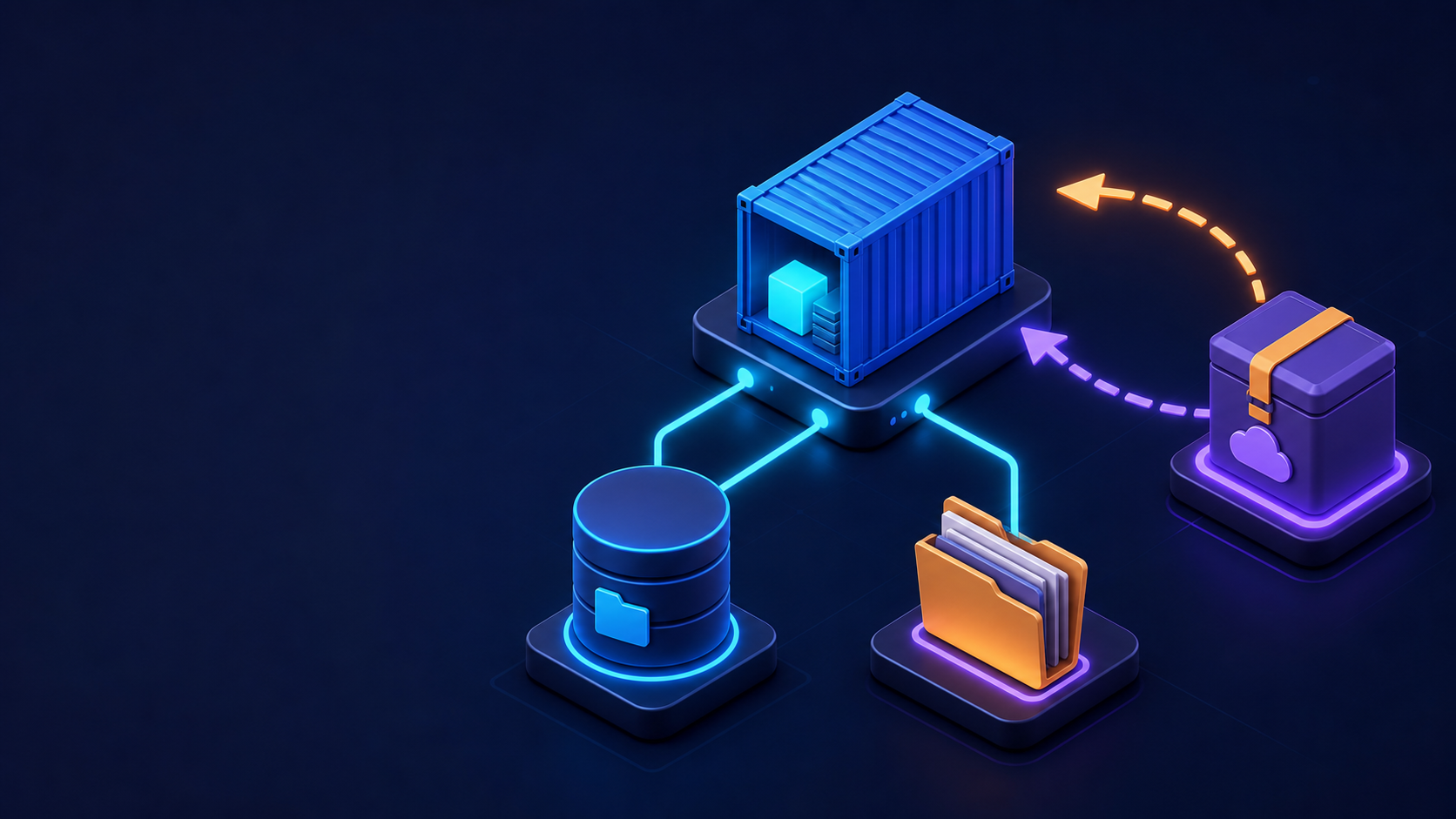
A container’s writable layer is disposable. Persistent application data belongs in a named volume or a deliberate bind mount. This lab compares both types and demonstrates a backup that can be restored on another Docker host.
1. Create and inspect a named volume
docker volume create app-data
docker volume ls
docker volume inspect app-data
Write data through a temporary container, then prove it survives container removal:
docker run --rm --mount source=app-data,target=/data alpine:3.22
  sh -c 'date -u > /data/created.txt && echo persistent > /data/message.txt'
docker run --rm --mount source=app-data,target=/data,readonly alpine:3.22
  cat /data/message.txt
2. Use a bind mount safely
mkdir -p "$HOME/docker-bind-demo"
printf 'hello from the hostn' > "$HOME/docker-bind-demo/index.html"
docker run -d --name bind-web
  -p 127.0.0.1:8080:80
  --mount type=bind,source="$HOME/docker-bind-demo",target=/usr/share/nginx/html,readonly
  nginx:1.28-alpine
curl http://127.0.0.1:8080
A read-only bind prevents the container from changing host content. Bind mounts depend on an exact host path, while named volumes are managed by Docker and are usually better for databases.
3. Back up a named volume
mkdir -p "$HOME/docker-backups"
docker run --rm
  --mount source=app-data,target=/source,readonly
  --mount type=bind,source="$HOME/docker-backups",target=/backup
  alpine:3.22
  tar -C /source -czf /backup/app-data-$(date +%F).tar.gz .
ls -lh "$HOME/docker-backups"
tar -tzf "$HOME/docker-backups/app-data-$(date +%F).tar.gz"
For a database, quiesce writes or use the database’s logical backup tool first. A filesystem archive taken during active writes may be inconsistent.
4. Restore into a new volume
docker volume create app-data-restored
docker run --rm
  --mount source=app-data-restored,target=/restore
  --mount type=bind,source="$HOME/docker-backups",target=/backup,readonly
  alpine:3.22
  tar -C /restore -xzf /backup/app-data-$(date +%F).tar.gz
docker run --rm --mount source=app-data-restored,target=/data,readonly
  alpine:3.22 cat /data/message.txt
5. Find volume consumers before removal
docker ps -a --filter volume=app-data
docker volume inspect app-data
docker system df -v
Clean up only this lab:
docker rm -f bind-web
docker volume rm app-data-restored app-data
rm -rf "$HOME/docker-bind-demo"
Never run broad volume pruning until backups are verified. A volume can be “unused” from Docker’s perspective and still contain valuable data intended for a stopped stack.
Storage decision
- Named volume: database and long-lived application state.
- Bind mount: source code, operator-managed configuration, or host-visible files.
- Read-only bind: configuration or static content that containers must not change.
- tmpfs: short-lived sensitive or cache data that must not persist.
References: Docker documentation and the Server World topic index.