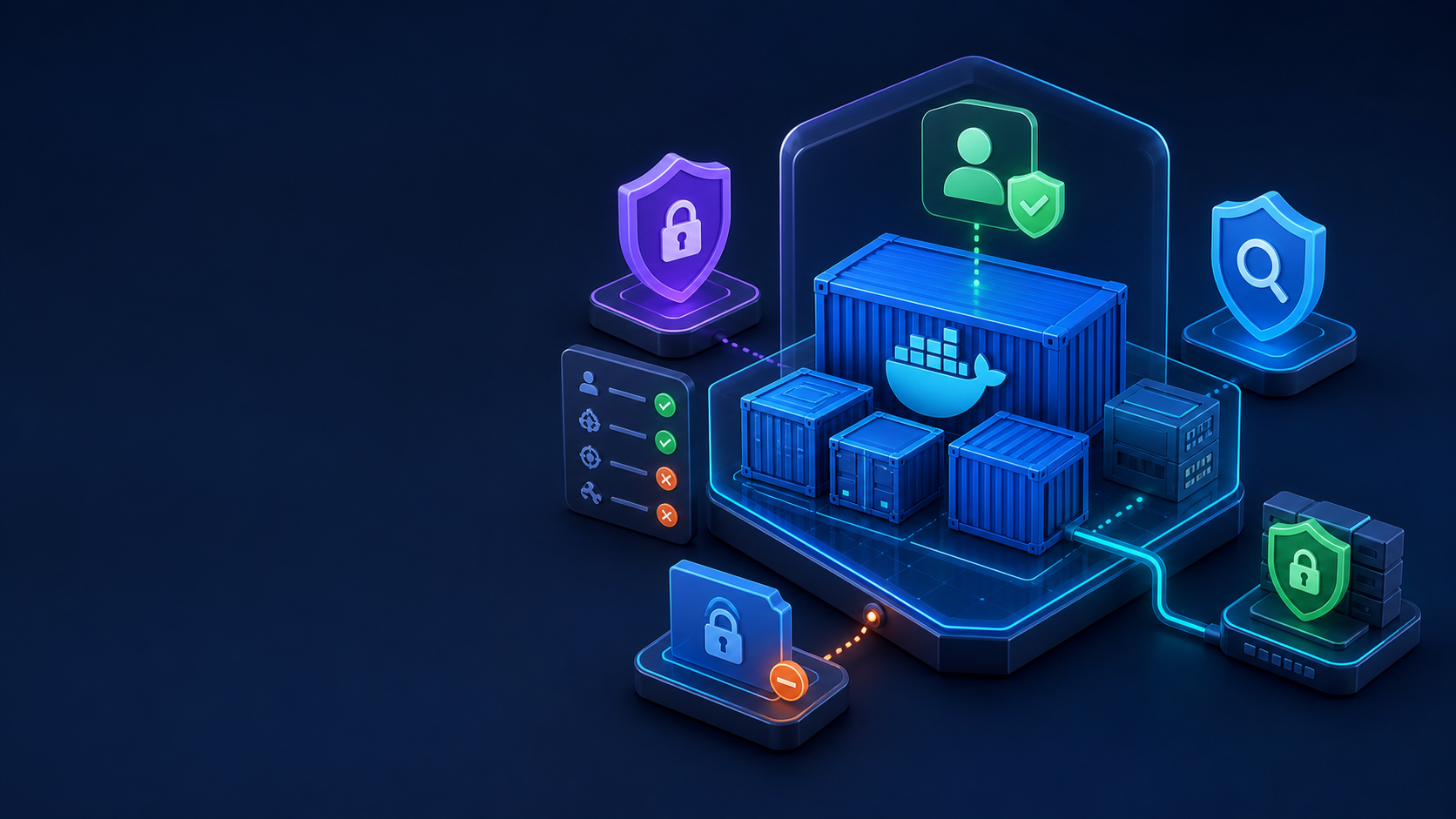
Containers share the host kernel, so Docker security is defense in depth rather than a single switch. Start with trusted images, remove unnecessary privileges, protect the daemon socket, constrain resources, keep the host patched, and consider rootless mode when its networking and storage tradeoffs fit the workload.
1. Audit the host and Docker access
docker version
docker info
getent group docker
sudo ss -lntp | grep -E '2375|2376' || true
sudo find /var/run/docker.sock -maxdepth 0 -printf '%m %u:%g %pn'
Never expose an unauthenticated Docker API on TCP 2375. Access to the Docker socket or docker group is effectively root access.
2. Inspect an image before running it
docker pull nginx:1.28-alpine
docker image inspect nginx:1.28-alpine --format 'User={{.Config.User}} Entrypoint={{json .Config.Entrypoint}}'
docker history --no-trunc nginx:1.28-alpine
docker image inspect nginx:1.28-alpine --format '{{json .RepoDigests}}'
Use maintained images, pin versions or digests, rebuild regularly, and scan images in CI with your chosen vulnerability scanner.
3. Run a restricted container
docker run -d --name hardened-web
  -p 127.0.0.1:8080:8080
  --user 101:101
  --read-only
  --tmpfs /var/cache/nginx:rw,noexec,nosuid,size=64m
  --tmpfs /var/run:rw,noexec,nosuid,size=16m
  --cap-drop ALL
  --cap-add NET_BIND_SERVICE
  --security-opt no-new-privileges:true
  --pids-limit 100
  --memory 256m
  --cpus 1.0
  nginxinc/nginx-unprivileged:1.28-alpine
curl -I http://127.0.0.1:8080
docker inspect hardened-web --format 'User={{.Config.User}} ReadOnly={{.HostConfig.ReadonlyRootfs}} Pids={{.HostConfig.PidsLimit}}'
docker inspect hardened-web --format '{{json .HostConfig.CapDrop}} {{json .HostConfig.SecurityOpt}}'
docker stats --no-stream hardened-web
4. Protect mounts and avoid privileged mode
mkdir -p "$HOME/read-only-config"
printf 'example=truen' > "$HOME/read-only-config/app.conf"
docker run --rm
  --mount type=bind,source="$HOME/read-only-config",target=/config,readonly
  alpine:3.22 cat /config/app.conf
Avoid --privileged, host PID/network namespaces, broad device access, and mounting /var/run/docker.sock. If a capability is required, add only that capability and document why.
5. Review daemon configuration
sudo install -d -m 0755 /etc/docker
sudo tee /etc/docker/daemon.json > /dev/null <<'EOF'
{
  "live-restore": true,
  "log-driver": "local",
  "log-opts": { "max-size": "20m", "max-file": "5" },
  "no-new-privileges": true
}
EOF
sudo dockerd --validate --config-file=/etc/docker/daemon.json
sudo systemctl reload docker
Back up an existing daemon file and merge settings rather than overwriting production configuration. A syntax error can prevent Docker from starting.
6. Set up rootless mode for a non-root user
sudo apt install -y uidmap dbus-user-session docker-ce-rootless-extras
dockerd-rootless-setuptool.sh install
systemctl --user enable --now docker
loginctl enable-linger "$USER"
export DOCKER_HOST=unix:///run/user/$(id -u)/docker.sock
docker info | grep -i rootless
Rootless Docker uses a user-scoped daemon and data directory. Test port binding, storage performance, cgroups, backup paths, and monitoring before migrating production workloads.
7. Monitor and clean up the lab
docker logs hardened-web
docker events --since 30m
sudo journalctl -u docker --since today --no-pager
docker rm -f hardened-web
rm -rf "$HOME/read-only-config"
Hardening checklist
- No unauthenticated remote Docker API.
- Docker group membership is minimal and reviewed.
- Images are pinned, scanned, and rebuilt regularly.
- Containers run as non-root with dropped capabilities.
- Root filesystems and configuration mounts are read-only where possible.
- CPU, memory, and PID limits are set.
- Secrets never enter images, environment dumps, or logs.
- Daemon and container logs have rotation and monitoring.
References: Docker documentation and the Server World topic index.