Personal AI agents are attracting attention because they can do more than generate an answer inside a browser tab. Instead of stopping at text, an agent can connect a model to approved tools, files, messaging services, and scheduled workflows. That extra capability is useful—but it also creates real operational and security responsibilities.
OpenClaw is an open-source, self-hosted personal AI assistant gateway. It runs on a computer or server you control and connects AI models with chat channels, tools, skills, sessions, and optional companion devices. You can talk to it through a browser interface or familiar services such as Telegram and WhatsApp. OpenClaw is therefore more than a chat interface, but it should not be treated as an infallible autonomous administrator.
What Is OpenClaw?
OpenClaw is a self-hosted gateway for a personal AI assistant. The official documentation describes one Gateway process that connects chat applications and channel plugins to an agent runtime. It is designed primarily for a single trusted operator who wants an assistant that remains available across devices and conversations.
OpenClaw is not a new foundation model. A model generates and interprets language; OpenClaw coordinates that model with sessions, context, tools, skills, messaging channels, and actions. You still choose and configure a supported hosted or local model provider. The quality and behavior of the assistant depend heavily on that model and on the permissions you grant.
The project is developed in the open, distributed under the MIT license, and maintained under the OpenClaw Foundation. Its self-hosted design gives the operator control over the Gateway and its configuration, but “self-hosted” does not mean every byte always remains local. Requests can still be sent to a selected hosted model provider or connected third-party service.
How OpenClaw Works
Phone, browser, CLI
Sessions and routing
Skills, files, services
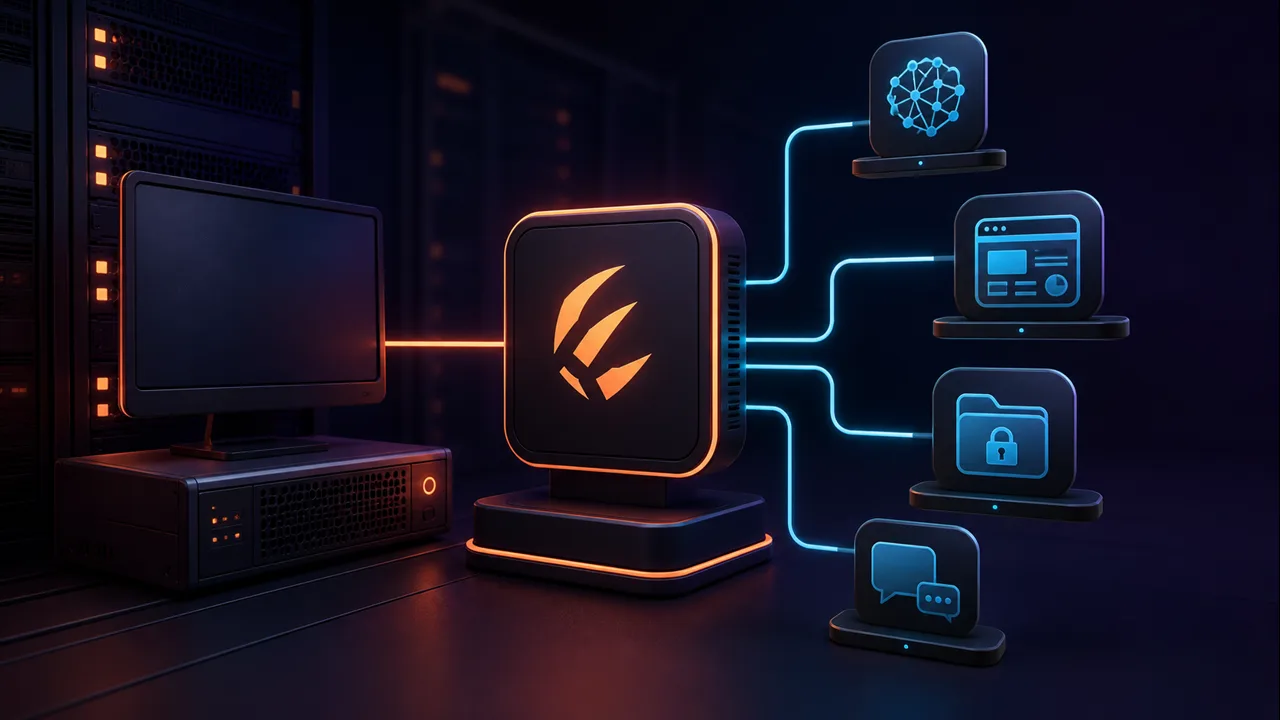
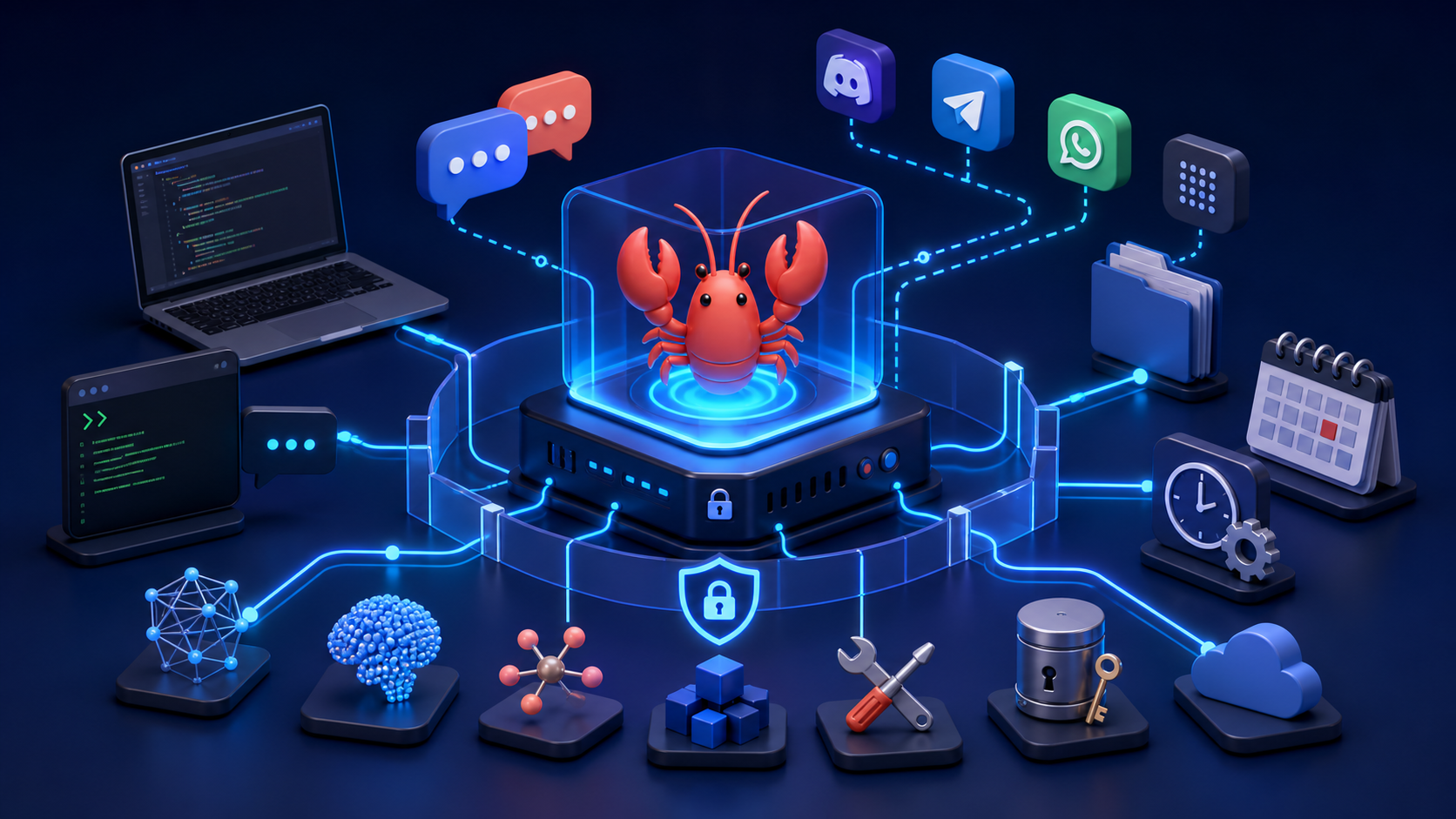
A message enters through WebChat, the Control UI, CLI, or a configured channel plugin. The Gateway is the control plane and source of truth for channel connections, routing, sessions, tools, and events. It sends the relevant context to the configured agent and model, allows approved tools to run, and routes the final result back to the user.
- Gateway: the always-running process that manages sessions, channels, routing, tools, and events.
- Model provider: the hosted or local AI service used for reasoning and generation.
- Tools: controlled capabilities such as working with files, the web, processes, messaging, or connected services.
- Skills and plugins: extensions that provide instructions, workflows, integrations, or additional tools.
- Channels: messaging surfaces including Telegram, WhatsApp, Slack, Discord, Signal, Google Chat, Microsoft Teams, iMessage, Matrix, Zalo, and others documented by the project.
- Sessions and memory: context is organized into sessions, with support for agent workspaces, memory, and multi-agent routing.
OpenClaw also documents cron jobs, webhooks, background execution, and persistent control-plane tools. These can support proactive workflows, but every persistent automation increases the importance of access controls, logs, testing, and clear rollback behavior.
What Can OpenClaw Do?
OpenClaw capabilities are not a fixed checklist. They depend on the selected model, operating system, configured channels, installed tools and skills, available integrations, and the permissions of the Gateway account. Practical examples include:
- Organize or summarize approved email and prepare drafts.
- Read calendars, prepare schedules, or create events through an authorized integration.
- Send messages through configured chat channels.
- Read, create, transform, or summarize files inside approved locations.
- Run controlled developer workflows and command-line tools.
- Coordinate coding agents or CLIs, including Codex, when those tools are installed and deliberately configured.
- Collect logs, run diagnostic scripts, and draft incident summaries.
- Run scheduled tasks and reminders through documented cron capabilities.
- Build custom skills or plugins for an internal API or workflow.
- Interact with home automation or other APIs only when a supported integration or custom implementation has been provided.
OpenClaw does not magically gain access to every service. A connection requires credentials, permissions, software, and configuration. If a tool is absent or denied, the model cannot reliably perform the associated action.
OpenClaw vs a Traditional AI Chatbot
| Area | OpenClaw | Traditional browser chatbot |
|---|---|---|
| Main purpose | Persistent personal agent gateway connecting models and tools | Interactive conversation and content generation |
| Can execute actions | Yes, through explicitly available tools and permissions | Usually limited to features provided by the hosted interface |
| Local file access | Possible on the Gateway host or paired nodes, subject to policy | Normally limited to files deliberately uploaded |
| External integrations | Channels, plugins, skills, webhooks, APIs, and custom tools | Defined by the service provider |
| Persistent operation | Gateway, sessions, cron jobs, and background capabilities | Usually centered on an active chat session |
| Customization | Open-source code, configuration, skills, tools, and plugins | Depends on settings exposed by the hosted product |
| Self-hosting | Yes; it runs on operator-controlled infrastructure | Typically no |
| Security responsibility | Significant operator responsibility for host, tools, credentials, and exposure | Infrastructure is mainly managed by the hosted provider |
Supported Platforms and Interfaces
The current installer supports macOS, Linux, and Windows. On Windows, the official repository documents a PowerShell installer, while the Unix-style installer is intended for macOS, Linux, and WSL2. The project also lists beta companion applications: a universal binary for macOS 15 or later and a Windows Hub for supported Windows 10 and Windows 11 systems.
The Gateway can run on a local workstation or server. The official documentation also describes mobile nodes for iOS and Android, plus WebChat and a browser-based Control UI. A node extends a Gateway with device-local capabilities; it is not the same as running an unrestricted Gateway on every phone.
Documented messaging options include Telegram, WhatsApp, Discord, Slack, Signal, Google Chat, Microsoft Teams, iMessage, Matrix, Zalo, and others. Channel-specific setup, authentication, pairing, and restrictions differ, so follow the current channel guide rather than copying configuration from an unrelated integration.
How to Install OpenClaw
Commands change as the project develops. Verify the latest instructions in the official installation documentation before using them.
Option 1: Official installer on macOS, Linux, or WSL2
curl -fsSL https://openclaw.ai/install.sh | bashThe project says this installer can provision a supported Node.js runtime when required. A remote shell pipeline is convenient, but do not execute one blindly. Download and review the script first when your environment or security policy requires it. Administrators may prefer the package or source method for greater control.
Option 2: Windows PowerShell installer
iwr -useb https://openclaw.ai/install.ps1 | iexThis is the currently documented Windows installer. The same caution applies: review remotely downloaded scripts and use an isolated test environment before connecting sensitive accounts or files.
Option 3: Install the published npm package
npm install -g openclaw@latest
openclaw onboard --install-daemon
openclaw gateway status
openclaw dashboard
The official documentation currently recommends Node.js 26, or a supported release meeting the documented minimum versions: Node 22.22.3+, Node 24.15+, or Node 25.9+. Onboarding verifies model access, creates the workspace, configures the Gateway, and can install the daemon. The dashboard command opens the local Control UI.
Option 4: Run from source
git clone https://github.com/openclaw/openclaw.git
cd openclaw
corepack enable
pnpm install
pnpm build
pnpm ui:build
pnpm openclaw onboard
The repository is a pnpm workspace; the README explicitly says plain npm install at the repository root is unsupported. Source installation is useful for contributors and operators who want to inspect or modify the code, but it adds build and update responsibilities.
OpenClaw Security and Privacy
An AI agent that can read files, execute shell commands, control a browser, send email, or change a calendar can make real changes. OpenClaw is not inherently unsafe, but its usefulness expands its potential blast radius. The official security model assumes one trusted operator boundary per Gateway—not hostile multi-tenant use by unrelated users.
Prompt injection is a central risk. A malicious instruction can arrive through a website, email, document, attachment, forwarded message, pasted log, or tool output. Restricting who can message the bot is necessary but insufficient because content fetched by a trusted operator can still be hostile.
- Start with DM pairing and allowlists; avoid open public access.
- Bind the Gateway locally unless remote exposure is genuinely required.
- Use least-privilege tool policies and restrict filesystem access to a workspace.
- Keep shell execution disabled or approval-gated until it is needed.
- Use a dedicated OS account, VM, container, sandbox, or separate machine for experiments.
- Store secrets outside prompts and protect configuration, tokens, and credentials with restrictive permissions.
- Separate Gateways, operating-system users, and credentials for different trust boundaries.
- Review logs and tool activity, test restores, and back up important data.
- Run
openclaw security auditafter configuration changes and before exposing network surfaces. - Require human confirmation for financial, destructive, public, or difficult-to-reverse actions.
A local Gateway does not guarantee local inference. If you configure a hosted model, relevant prompts and context can be transmitted to that provider. Connected email, calendar, messaging, or API services also have their own data flows and retention policies.
Do not initially connect production infrastructure, unrestricted cloud credentials, financial accounts, primary email, root access, or irreplaceable files. Begin with reversible tasks and add one permission at a time.
OpenClaw Use Cases for Developers and DevOps Engineers
For LAPVN readers, the most useful pattern is controlled delegation—not giving an agent unlimited administrator access. Examples include:
- Ask from Telegram for a summary of sanitized service health data.
- Trigger a read-only diagnostic script with fixed arguments.
- Collect approved logs and prepare an incident timeline.
- Coordinate Codex or another coding tool inside a restricted workspace.
- Draft deployment documentation from version-controlled configuration.
- Check scheduled jobs and create a daily infrastructure report.
- Prepare a draft issue or pull request for human review.
- Compare a deployment result against a validation checklist.
Never give an experimental AI agent unrestricted production Kubernetes credentials, root SSH access, database administrator credentials, or destructive CI/CD permissions. Prefer read-only service accounts, narrow namespaces, controlled scripts, approval gates, isolated runners, and explicit rollback plans.
Who Should Use OpenClaw?
OpenClaw is best suited to developers, DevOps and platform engineers, technical power users, small teams experimenting with workflow automation, and people who want a customizable personal assistant on infrastructure they control. It rewards users who understand permissions, credentials, logs, and basic system administration.
It may not yet be appropriate for nontechnical users unwilling to manage host security, organizations without identity and credential controls, or anyone expecting perfect autonomous execution. A model can misunderstand a request, use a tool incorrectly, or confidently produce an incomplete result.
Advantages and Limitations
Advantages
- Open source and highly customizable.
- Runs on user-controlled infrastructure.
- Connects AI models with real tools and communication channels.
- Extensible through skills, plugins, and integrations.
- Supports persistent personal workflows through sessions and automation.
Limitations
- Requires setup, maintenance, and security judgment.
- Hosted model or API costs may still apply.
- The operator is responsible for credentials and host exposure.
- Results depend on the selected model and available context.
- Actions can fail, be misunderstood, or have unintended effects.
- Commands, releases, and documentation move quickly.
Is OpenClaw Worth Trying?
OpenClaw is worth evaluating for technical users who want a personal agent that can take controlled actions across tools and messaging channels. Its open-source, self-hosted architecture offers flexibility that a conventional chat page cannot provide.
Start in an isolated environment. Connect one model and one low-risk channel, grant one permission at a time, and test with reversible work. Treat every integration as a new trust decision. OpenClaw can become a capable assistant, but it should remain observable, constrained, and accountable to a human operator.
Frequently Asked Questions
Is OpenClaw free?
The OpenClaw software is open source under the MIT license. Hosted model APIs, servers, messaging services, and third-party integrations may have separate costs.
Is OpenClaw open source?
Yes. Its source code is publicly available in the official GitHub repository under the MIT license.
Does OpenClaw run locally?
Yes. The Gateway runs on your computer or server. A hosted model provider may still receive model requests when configured.
Does OpenClaw require an API key?
It requires working authentication for the selected model provider. The exact credential depends on whether you use a hosted provider, supported subscription flow, or local model service.
Can OpenClaw use ChatGPT or other AI models?
OpenClaw supports multiple hosted and local model providers. It is the agent gateway, not the model itself. Check the current provider directory for supported authentication and model options.
Does OpenClaw support Windows?
Yes. The official project provides a Windows PowerShell installer and documents a beta Windows Hub for supported Windows 10 and Windows 11 systems.
Can OpenClaw connect to Telegram or WhatsApp?
Yes. Both Telegram and WhatsApp are documented channels. Each has its own setup, pairing, and access-control process.
Is OpenClaw safe?
It can be operated safely with appropriate isolation, allowlists, sandboxing, permissions, updates, and review. Its ability to use tools means poor configuration can create real risk.
Can OpenClaw manage servers?
It can invoke approved tools and workflows on connected systems, but production access should be narrowly scoped, read-only where possible, approval-gated, logged, and isolated. Unrestricted administrative credentials are strongly discouraged.