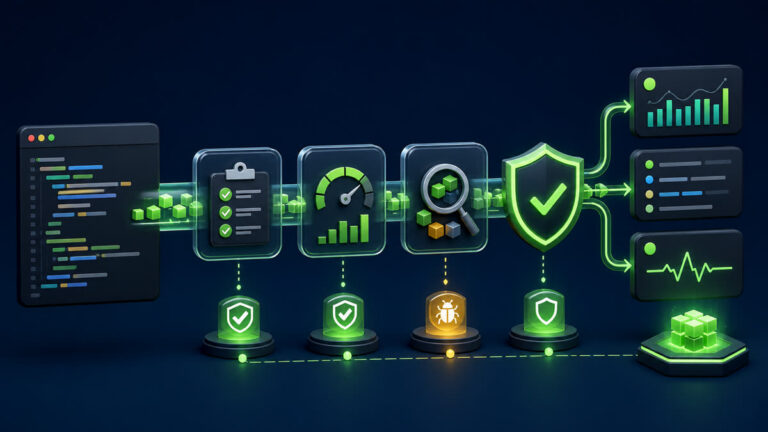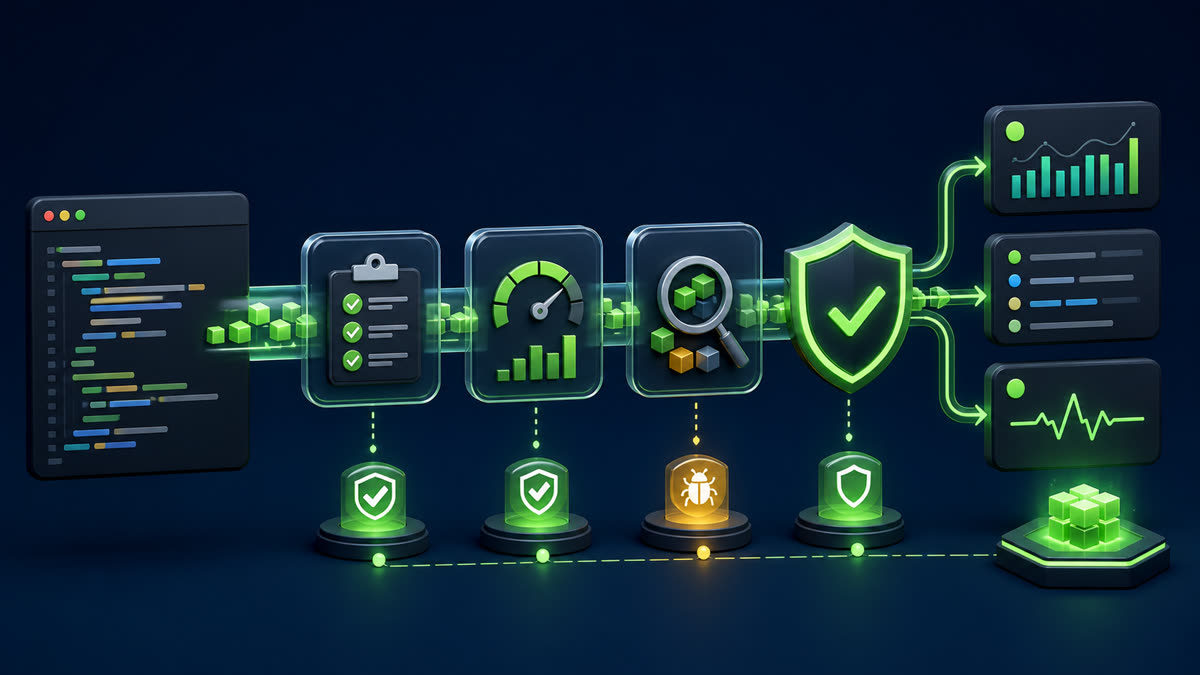
Inspect the dependency graph, run reproducible vulnerability audits, separate runtime from development exposure, apply compatible fixes, and review breaking upgrades manually.
What you will build
This tutorial produces a working, verifiable result rather than a command list. Read each command before running it, keep configuration in version control without secrets, and record the versions used for repeatable deployment.
1. Prepare the project
npm ci
npm ls --all
npm outdated
npm audit --audit-level=high
npm audit --omit=dev --json > npm-audit-production.json || true
Run preparation commands as an unprivileged application user unless a command explicitly requires sudo. A clean working tree and lockfile make rollback much easier.
2. Implement the solution
// package.json policy example
{
  "engines": { "node": ">=24 <25" },
  "scripts": {
    "ci:security": "npm audit --omit=dev --audit-level=high"
  }
}
Save the example in the filename indicated by its comment or surrounding instructions. Treat it as a minimal baseline: production applications should separate transport, business logic, persistence, and configuration into testable modules.
3. Verify end to end
npm audit fix
npm test
npm audit --omit=dev --audit-level=high
npm explain PACKAGE_NAME
Verification should cover both process state and a real request or data operation. A process that is merely running is not necessarily ready to serve traffic.
4. Troubleshooting and production notes
Do not run npm audit fix –force blindly because it can install breaking major versions. Determine whether the vulnerable code is reachable, prefer maintained direct dependencies, commit lockfile changes with test evidence, and rebuild immutable artifacts after remediation.
Production checklist
- The supported Node.js LTS version and dependency lockfile are recorded.
- Configuration is validated at startup and secrets are stored outside source control.
- Input limits, authentication, authorization, timeouts, and error boundaries are explicit.
- Logs identify a request without exposing credentials or personal data.
- Health checks, graceful termination, resource limits, backup, and rollback have been tested.
Reference: official topic documentation. For production version selection, use a supported LTS line from the Node.js release schedule.