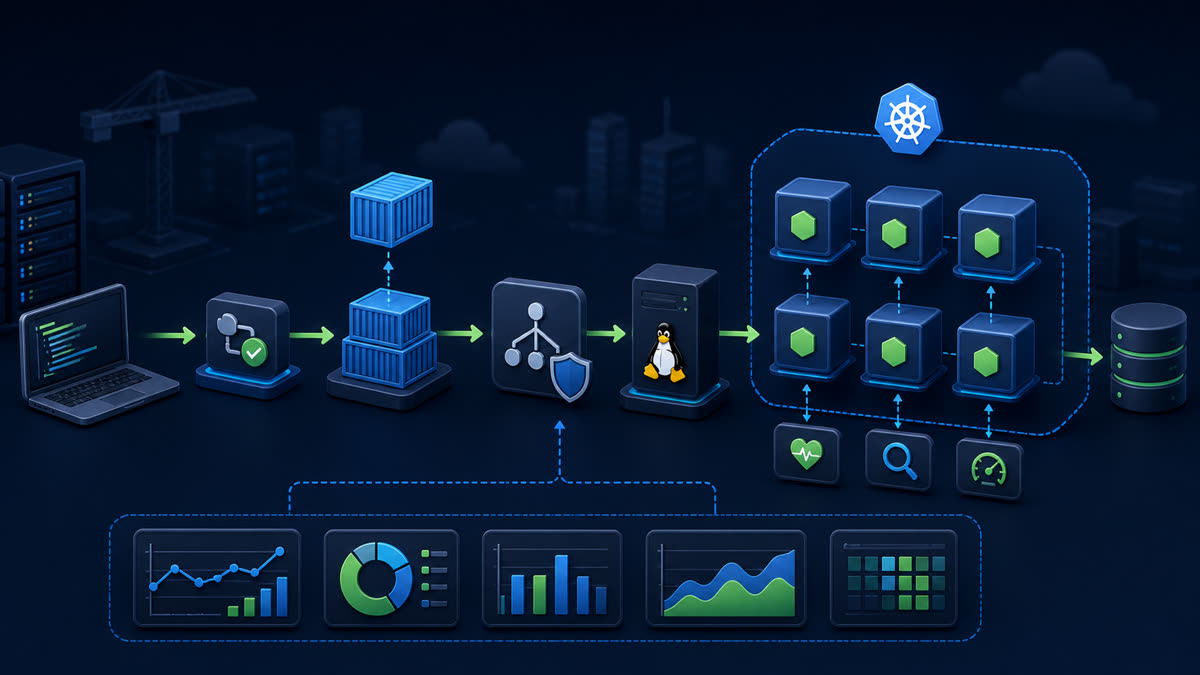
Place Nginx in front of a loopback-only Node.js service, forward correct proxy metadata, support WebSockets, set timeouts, obtain TLS, and validate the complete request path.
What you will build
This tutorial produces a working, verifiable result rather than a command list. Read each command before running it, keep configuration in version control without secrets, and record the versions used for repeatable deployment.
1. Prepare the project
sudo apt update
sudo apt install -y nginx certbot python3-certbot-nginx
sudo ufw allow 'Nginx Full'
curl -fsS http://127.0.0.1:3000/readyz
Run preparation commands as an unprivileged application user unless a command explicitly requires sudo. A clean working tree and lockfile make rollback much easier.
2. Implement the solution
server {
  listen 80;
  listen [::]:80;
  server_name api.example.com;
  location / {
    proxy_pass http://127.0.0.1:3000;
    proxy_http_version 1.1;
    proxy_set_header Host $host;
    proxy_set_header X-Real-IP $remote_addr;
    proxy_set_header X-Forwarded-For $proxy_add_x_forwarded_for;
    proxy_set_header X-Forwarded-Proto $scheme;
    proxy_set_header Upgrade $http_upgrade;
    proxy_set_header Connection "upgrade";
    proxy_read_timeout 60s;
  }
}
Save the example in the filename indicated by its comment or surrounding instructions. Treat it as a minimal baseline: production applications should separate transport, business logic, persistence, and configuration into testable modules.
3. Verify end to end
sudo nginx -t
sudo systemctl reload nginx
curl -I -H 'Host: api.example.com' http://127.0.0.1/readyz
sudo certbot --nginx -d api.example.com
curl -I https://api.example.com/readyz
sudo certbot renew --dry-run
Verification should cover both process state and a real request or data operation. A process that is merely running is not necessarily ready to serve traffic.
4. Troubleshooting and production notes
DNS must resolve to the server before certificate issuance. A 502 means Nginx cannot reach the upstream; verify address, port, process, and journal. Set Express trust proxy deliberately before relying on forwarded scheme or client IP.
Production checklist
- The supported Node.js LTS version and dependency lockfile are recorded.
- Configuration is validated at startup and secrets are stored outside source control.
- Input limits, authentication, authorization, timeouts, and error boundaries are explicit.
- Logs identify a request without exposing credentials or personal data.
- Health checks, graceful termination, resource limits, backup, and rollback have been tested.
Reference: official topic documentation. For production version selection, use a supported LTS line from the Node.js release schedule.