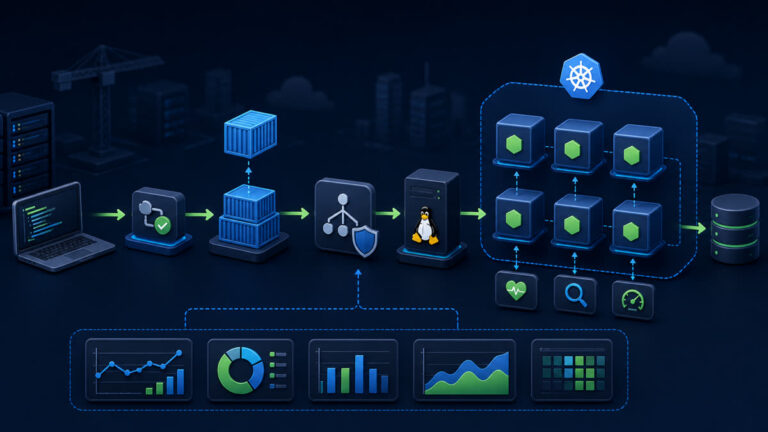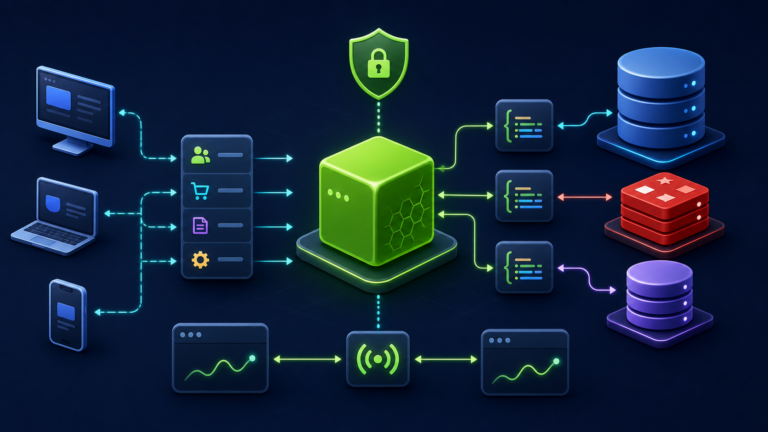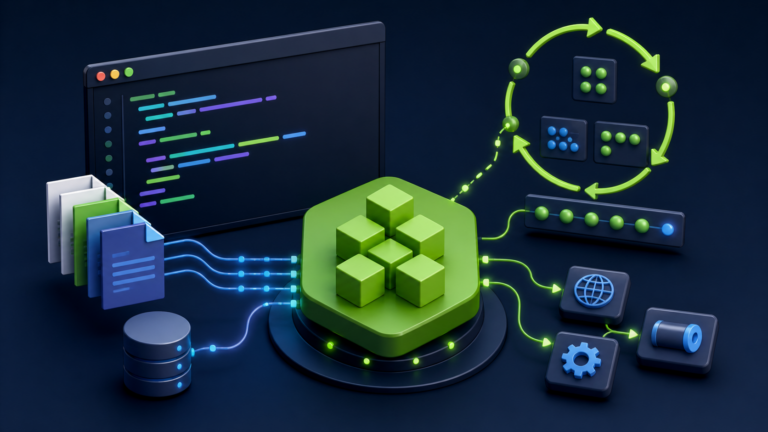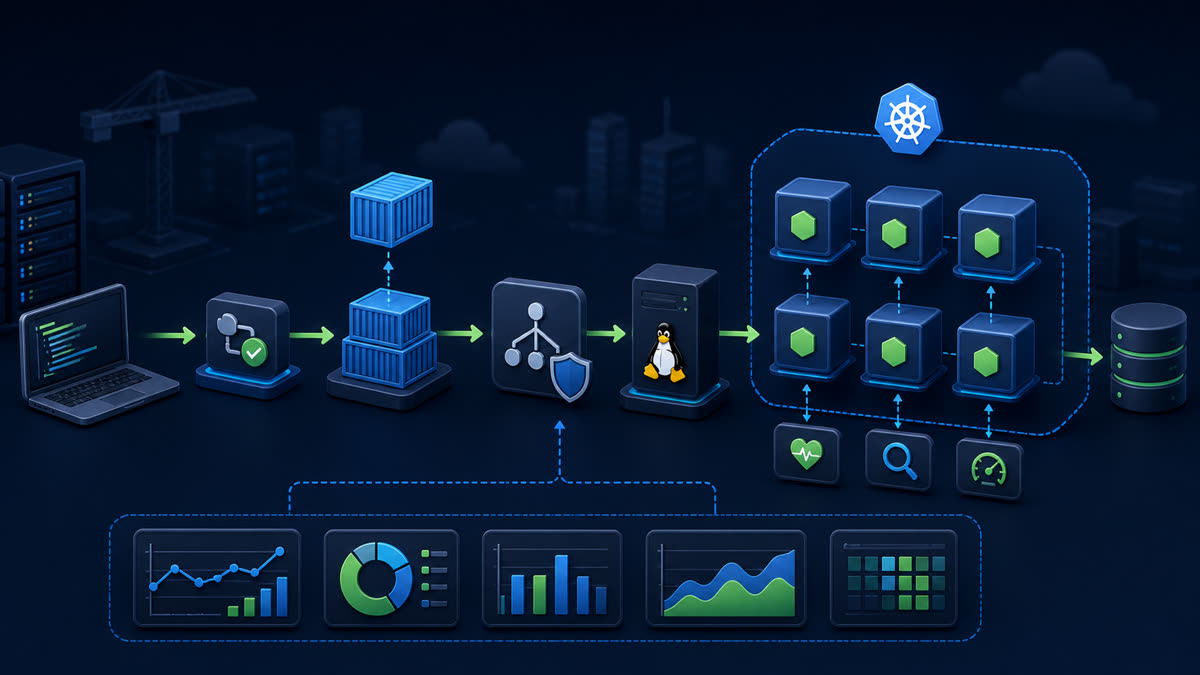
Deploy an immutable Node.js image with ConfigMap and Secret configuration, restricted security context, health probes, resource policy, rolling updates, a Service, and autoscaling prerequisites.
What you will build
This tutorial produces a working, verifiable result rather than a command list. Read each command before running it, keep configuration in version control without secrets, and record the versions used for repeatable deployment.
1. Prepare the project
kubectl create namespace node-api
kubectl -n node-api create secret generic node-api --from-literal=DATABASE_URL='replace-me'
kubectl -n node-api create configmap node-api --from-literal=NODE_ENV=production --from-literal=PORT=3000
Run preparation commands as an unprivileged application user unless a command explicitly requires sudo. A clean working tree and lockfile make rollback much easier.
2. Implement the solution
apiVersion: apps/v1
kind: Deployment
metadata: {name: node-api, namespace: node-api}
spec:
  replicas: 3
  selector: {matchLabels: {app: node-api}}
  template:
    metadata: {labels: {app: node-api}}
    spec:
      terminationGracePeriodSeconds: 30
      containers:
      - name: api
        image: registry.example.com/node-api:1.0.0
        ports: [{name: http, containerPort: 3000}]
        envFrom: [{configMapRef: {name: node-api}}, {secretRef: {name: node-api}}]
        readinessProbe: {httpGet: {path: /readyz, port: http}, periodSeconds: 5}
        livenessProbe: {httpGet: {path: /livez, port: http}, periodSeconds: 10}
        resources: {requests: {cpu: 100m, memory: 128Mi}, limits: {memory: 256Mi}}
        securityContext: {allowPrivilegeEscalation: false, readOnlyRootFilesystem: true, runAsNonRoot: true, capabilities: {drop: [ALL]}}
---
apiVersion: v1
kind: Service
metadata: {name: node-api, namespace: node-api}
spec: {selector: {app: node-api}, ports: [{name: http, port: 80, targetPort: http}]}
Save the example in the filename indicated by its comment or surrounding instructions. Treat it as a minimal baseline: production applications should separate transport, business logic, persistence, and configuration into testable modules.
3. Verify end to end
kubectl apply --server-side -f node-api.yaml
kubectl -n node-api rollout status deployment/node-api --timeout=3m
kubectl -n node-api get pods,service -o wide
kubectl -n node-api port-forward service/node-api 8080:80
curl -fsS http://127.0.0.1:8080/readyz
kubectl -n node-api logs deployment/node-api --tail=100
Verification should cover both process state and a real request or data operation. A process that is merely running is not necessarily ready to serve traffic.
4. Troubleshooting and production notes
ImagePullBackOff points to the image name, registry access, or pull credentials. Probe failures require testing the endpoint inside the Pod. OOMKilled requires memory profiling before raising limits. Use an external secret system instead of committing Secret manifests.
Production checklist
- The supported Node.js LTS version and dependency lockfile are recorded.
- Configuration is validated at startup and secrets are stored outside source control.
- Input limits, authentication, authorization, timeouts, and error boundaries are explicit.
- Logs identify a request without exposing credentials or personal data.
- Health checks, graceful termination, resource limits, backup, and rollback have been tested.
Reference: official topic documentation. For production version selection, use a supported LTS line from the Node.js release schedule.