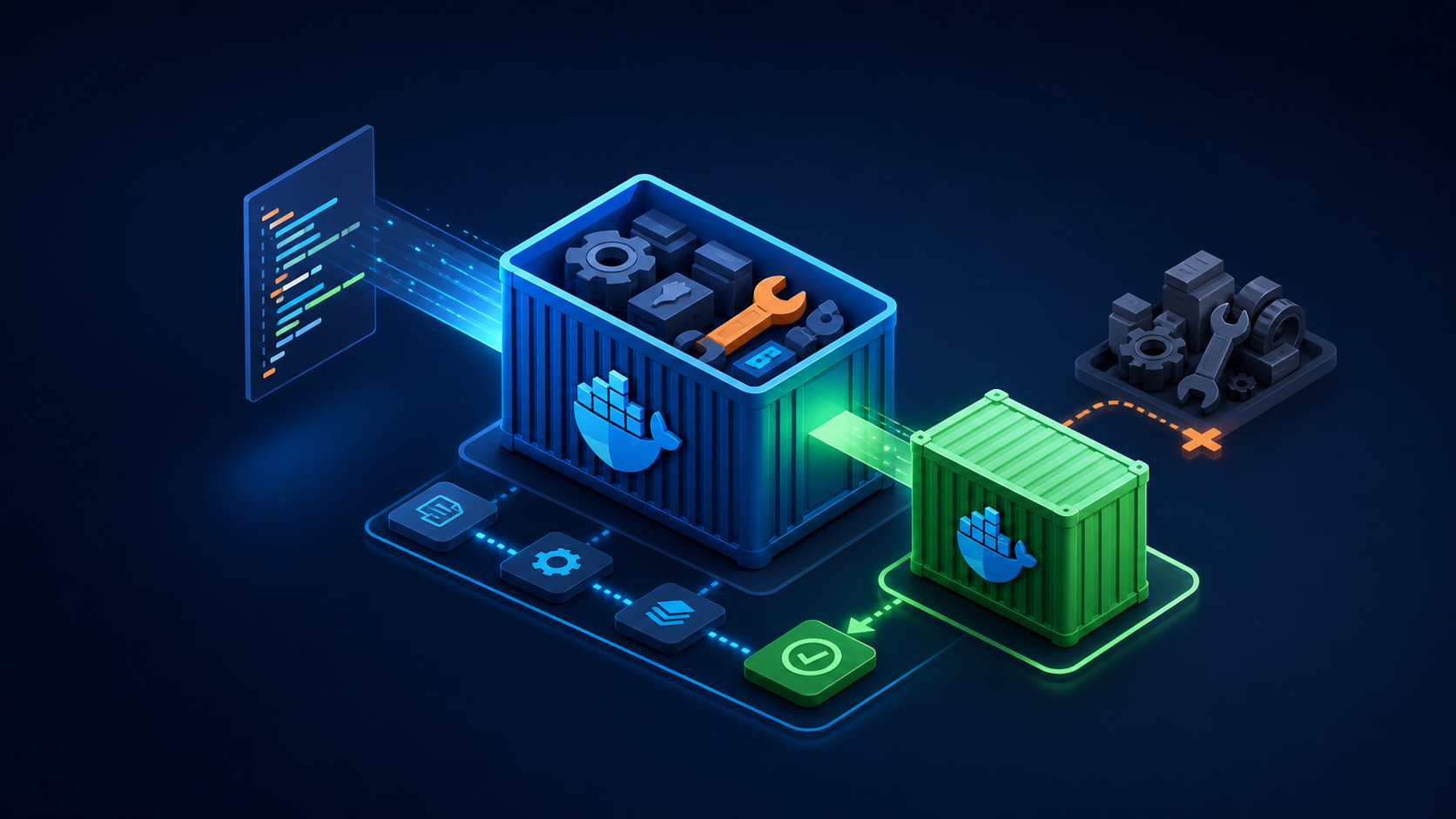
A multi-stage Dockerfile keeps compilers and build dependencies out of the runtime image. This lab compiles a tiny Go HTTP service in one stage and copies only the binary and certificates into a minimal final stage.
1. Create the application
mkdir -p ~/docker-go-demo && cd ~/docker-go-demo
cat > go.mod <<'EOF'
module example.com/hello
go 1.24
EOF
cat > main.go <<'EOF'
package main
import ("fmt"; "log"; "net/http")
func main() {
  http.HandleFunc("/", func(w http.ResponseWriter, r *http.Request) { fmt.Fprintln(w, "hello from Docker") })
  http.HandleFunc("/healthz", func(w http.ResponseWriter, r *http.Request) { fmt.Fprintln(w, "ok") })
  log.Fatal(http.ListenAndServe(":8080", nil))
}
EOF
2. Add a multi-stage Dockerfile
# syntax=docker/dockerfile:1
FROM golang:1.24-alpine AS build
WORKDIR /src
COPY go.mod ./
COPY main.go ./
RUN CGO_ENABLED=0 GOOS=linux go build -trimpath -ldflags="-s -w" -o /out/server ./main.go

FROM alpine:3.22
RUN apk add --no-cache ca-certificates &&
    addgroup -S app && adduser -S -G app -u 10001 app
COPY --from=build --chown=app:app /out/server /usr/local/bin/server
USER app
EXPOSE 8080
ENTRYPOINT ["/usr/local/bin/server"]
cat > .dockerignore <<'EOF'
.git
.gitignore
README.md
*.log
tmp/
EOF
3. Build and inspect the image
docker build --pull -t hello-go:1.0 .
docker image ls hello-go:1.0
docker history hello-go:1.0
docker image inspect hello-go:1.0 --format '{{.Config.User}} {{json .Config.Entrypoint}}'
The configured runtime user should be app, not root. The final image should not contain the Go compiler.
4. Run with additional runtime restrictions
docker run -d --name hello-go
  -p 127.0.0.1:8080:8080
  --read-only
  --cap-drop ALL
  --security-opt no-new-privileges:true
  --memory 128m --cpus 0.5
  hello-go:1.0

curl http://127.0.0.1:8080/
curl -fsS http://127.0.0.1:8080/healthz
docker inspect hello-go --format 'User={{.Config.User}} ReadOnly={{.HostConfig.ReadonlyRootfs}}'
5. Test build stages and cache
docker build --target build -t hello-go:build .
docker build --progress=plain -t hello-go:1.0 .
docker build --no-cache --pull -t hello-go:1.0-clean .
Use --no-cache deliberately for verification, not on every developer build. Preserve cache-friendly ordering by copying dependency manifests before frequently changing source files.
6. Troubleshoot and roll back
docker logs hello-go
docker stats --no-stream hello-go
docker rm -f hello-go
docker image rm hello-go:build hello-go:1.0-clean
Keep the previous immutable tag during deployment. If version 1.1 fails, recreate the container from hello-go:1.0 rather than rebuilding an old commit under a reused tag.
Build checklist
- Base images and application versions are pinned.
- Build tools remain in the builder stage.
- The runtime uses a non-root numeric UID.
.dockerignoreexcludes secrets and unnecessary files.- The container works with dropped capabilities and a read-only root filesystem.
References: Docker documentation and the Server World topic index.