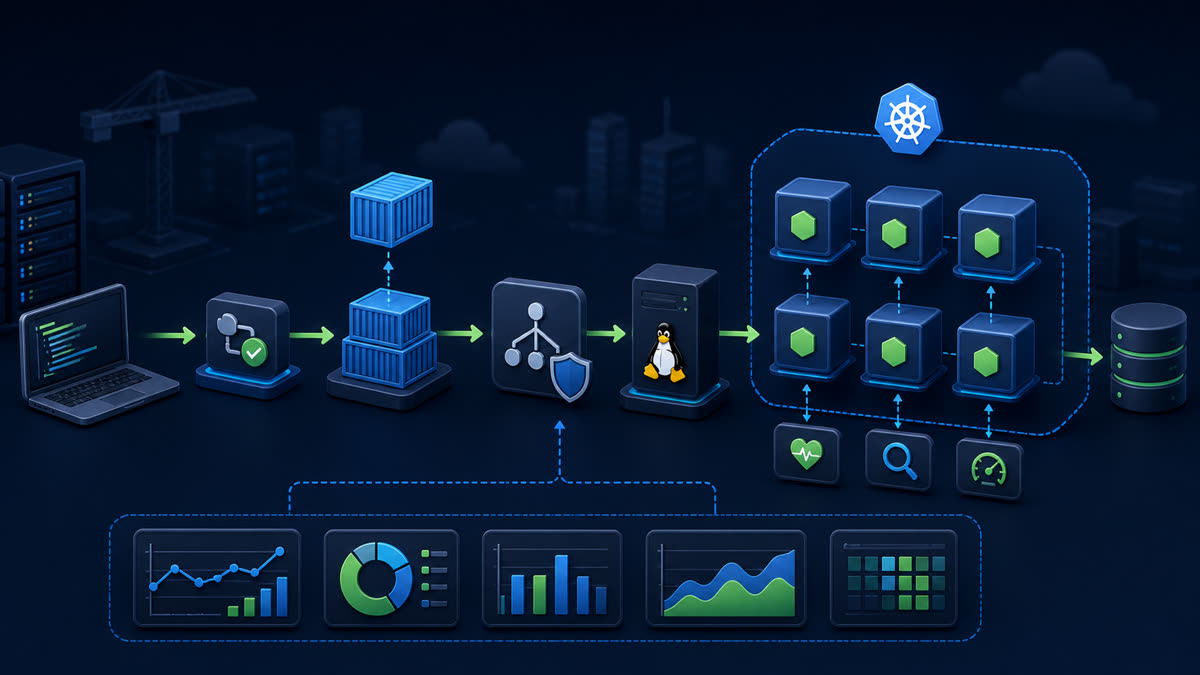
Build a small Node.js 24 image with deterministic npm installation, a non-root runtime, signal-friendly startup, health endpoint, read-only filesystem compatibility, and targeted validation.
What you will build
This tutorial produces a working, verifiable result rather than a command list. Read each command before running it, keep configuration in version control without secrets, and record the versions used for repeatable deployment.
1. Prepare the project
printf 'node_modulesn.gitn.envnnpm-debug.logn' > .dockerignore
docker build --pull -t node-api:1.0 .
Run preparation commands as an unprivileged application user unless a command explicitly requires sudo. A clean working tree and lockfile make rollback much easier.
2. Implement the solution
# syntax=docker/dockerfile:1
FROM node:24-bookworm-slim AS deps
WORKDIR /app
COPY package.json package-lock.json ./
RUN --mount=type=cache,target=/root/.npm npm ci --omit=dev
FROM node:24-bookworm-slim AS runtime
ENV NODE_ENV=production
WORKDIR /app
COPY --from=deps --chown=node:node /app/node_modules ./node_modules
COPY --chown=node:node package.json server.js ./
USER node
EXPOSE 3000
CMD ["node","server.js"]
Save the example in the filename indicated by its comment or surrounding instructions. Treat it as a minimal baseline: production applications should separate transport, business logic, persistence, and configuration into testable modules.
3. Verify end to end
docker run -d --name node-api -p 127.0.0.1:3000:3000 --read-only --tmpfs /tmp --cap-drop ALL --security-opt no-new-privileges:true node-api:1.0
curl -fsS http://127.0.0.1:3000/readyz
docker inspect node-api --format 'User={{.Config.User}} ReadOnly={{.HostConfig.ReadonlyRootfs}}'
docker logs node-api
docker rm -f node-api
Verification should cover both process state and a real request or data operation. A process that is merely running is not necessarily ready to serve traffic.
4. Troubleshooting and production notes
The application must listen on 0.0.0.0 inside the container. Use exec-form CMD so Node receives SIGTERM. Never copy .env into the image, pin a tested base-image digest for controlled releases, and rebuild regularly for OS security updates.
Production checklist
- The supported Node.js LTS version and dependency lockfile are recorded.
- Configuration is validated at startup and secrets are stored outside source control.
- Input limits, authentication, authorization, timeouts, and error boundaries are explicit.
- Logs identify a request without exposing credentials or personal data.
- Health checks, graceful termination, resource limits, backup, and rollback have been tested.
Reference: official topic documentation. For production version selection, use a supported LTS line from the Node.js release schedule.