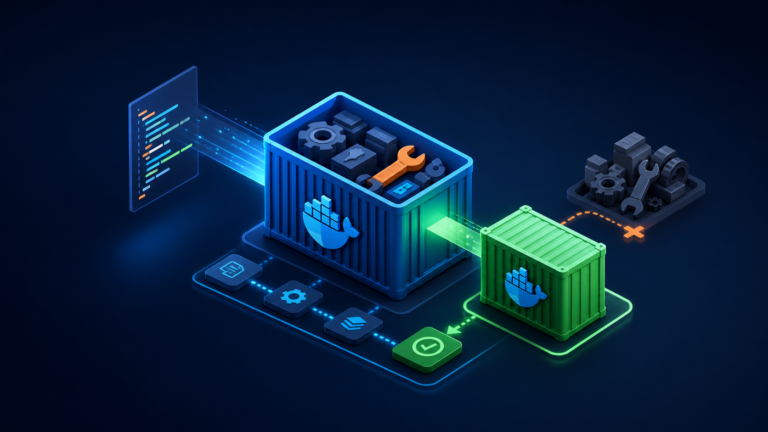
This guide installs Docker Engine from Docker’s official APT repository on Ubuntu 24.04 LTS. It includes the Compose and Buildx plugins, non-root CLI access, service validation, upgrade checks, firewall cautions, and a clean uninstall path.
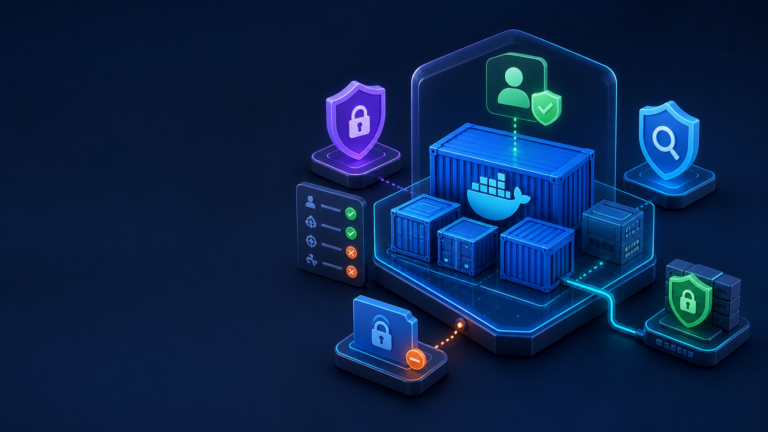
docker group grants root-equivalent control of the host. Only add trusted administrators. Published container ports can also bypass normal UFW expectations; review Docker’s firewall behavior before exposing production workloads.1. Verify Ubuntu and remove conflicting packages
cat /etc/os-release
dpkg --print-architecture
sudo apt update
for pkg in docker.io docker-doc docker-compose docker-compose-v2 podman-docker containerd runc; do
  sudo apt remove -y "$pkg"
done
An APT message saying a package is not installed is harmless. Removing packages does not automatically erase an existing /var/lib/docker, but back up important data before changing runtimes.
2. Add Docker’s signed APT repository
sudo apt install -y ca-certificates curl
sudo install -m 0755 -d /etc/apt/keyrings
sudo curl -fsSL https://download.docker.com/linux/ubuntu/gpg
  -o /etc/apt/keyrings/docker.asc
sudo chmod a+r /etc/apt/keyrings/docker.asc
sudo tee /etc/apt/sources.list.d/docker.sources > /dev/null <<EOF
Types: deb
URIs: https://download.docker.com/linux/ubuntu
Suites: $(. /etc/os-release && echo "${UBUNTU_CODENAME:-$VERSION_CODENAME}")
Components: stable
Architectures: $(dpkg --print-architecture)
Signed-By: /etc/apt/keyrings/docker.asc
EOF

sudo apt update
apt-cache policy docker-ce
3. Install Engine, Buildx, and Compose
sudo apt install -y docker-ce docker-ce-cli containerd.io
  docker-buildx-plugin docker-compose-plugin
sudo systemctl enable --now docker
sudo systemctl status docker --no-pager
sudo docker version
sudo docker info
sudo docker compose version
sudo docker run --rm hello-world
The last command pulls a small test image, creates a container, prints a success message, and removes the container.
4. Optional non-root CLI access
sudo usermod -aG docker "$USER"
newgrp docker
docker run --rm hello-world
If you previously used sudo docker, repair ownership only when the CLI reports a permission problem in your local Docker config:
sudo chown -R "$USER":"$USER" "$HOME/.docker"
sudo chmod -R g+rwx "$HOME/.docker"
5. Service logs, upgrades, and rollback
sudo journalctl -u docker -n 100 --no-pager
apt list --upgradable 2>/dev/null | grep -E 'docker|containerd' || true
sudo apt update && sudo apt upgrade
To remove the packages while retaining images and volumes:
sudo apt purge -y docker-ce docker-ce-cli containerd.io
  docker-buildx-plugin docker-compose-plugin
sudo rm -f /etc/apt/sources.list.d/docker.sources
sudo rm -f /etc/apt/keyrings/docker.asc
Do not delete /var/lib/docker unless you intentionally want to destroy every local image, container, network, and volume.
Verification checklist
- Docker and containerd are active.
docker run --rm hello-worldsucceeds.docker compose versionreports Compose v2.- Only trusted users belong to the docker group.
- Exposed ports have been reviewed at the host and upstream firewall.
References: Docker documentation and the Server World topic index.