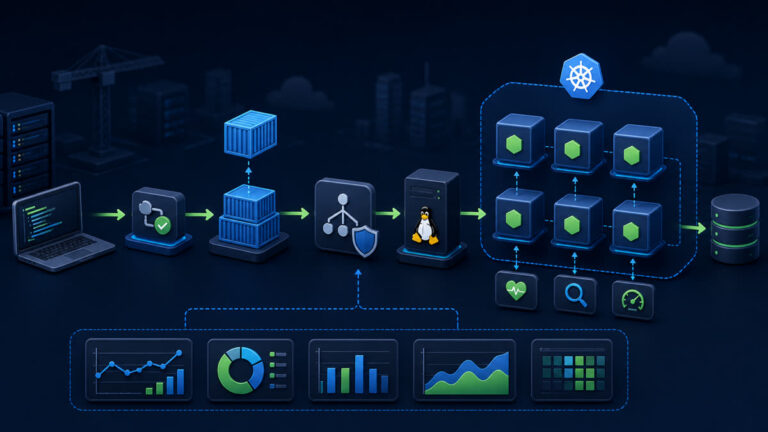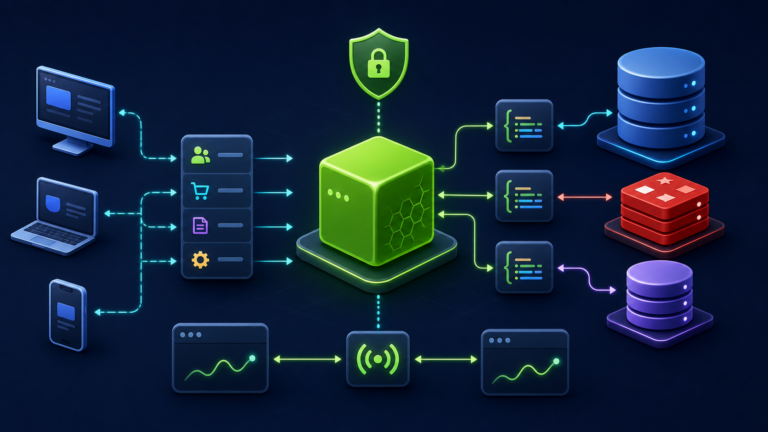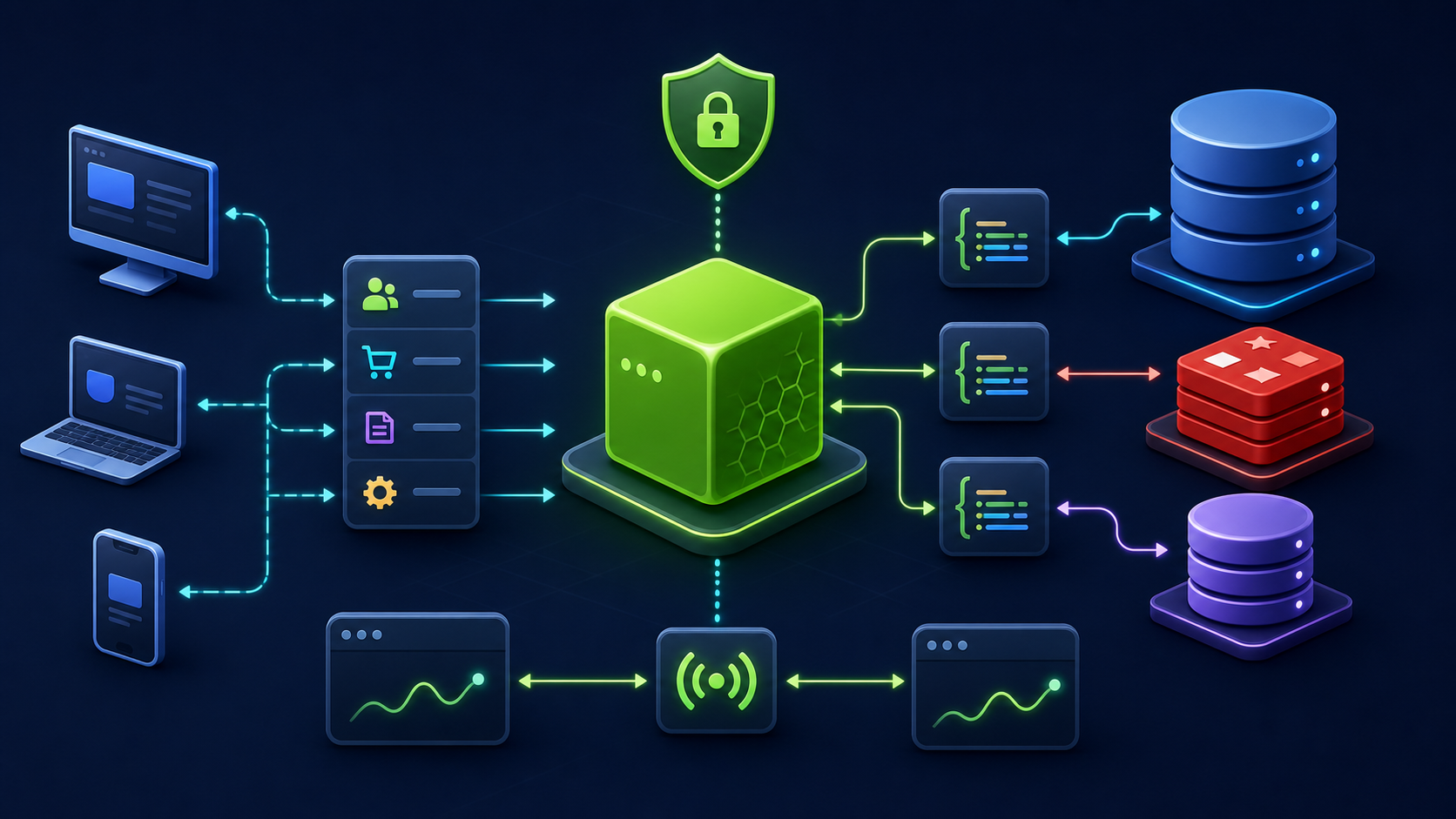
Compile a strict TypeScript API to JavaScript, use Node-compatible module settings, separate development type checking from production execution, and ship only required artifacts.
What you will build
This tutorial produces a working, verifiable result rather than a command list. Read each command before running it, keep configuration in version control without secrets, and record the versions used for repeatable deployment.
1. Prepare the project
mkdir typed-api && cd typed-api
npm init -y
npm pkg set type=module scripts.build='tsc -p tsconfig.json' scripts.start='node dist/server.js' scripts.check='tsc --noEmit'
npm install express@5
npm install -D typescript @types/node @types/express
npx tsc --init
Run preparation commands as an unprivileged application user unless a command explicitly requires sudo. A clean working tree and lockfile make rollback much easier.
2. Implement the solution
// src/server.ts
import express, { type Request, type Response } from 'express';
const app=express();
app.get('/healthz', (_req: Request, res: Response) => res.json({ status: 'ok' }));
app.listen(3000, '127.0.0.1');
// tsconfig: module/moduleResolution NodeNext, rootDir src, outDir dist,
// strict true, noUncheckedIndexedAccess true, sourceMap true.
Save the example in the filename indicated by its comment or surrounding instructions. Treat it as a minimal baseline: production applications should separate transport, business logic, persistence, and configuration into testable modules.
3. Verify end to end
npm run check
npm run build
npm start
curl -fsS http://127.0.0.1:3000/healthz
find dist -maxdepth 2 -type f -print
Verification should cover both process state and a real request or data operation. A process that is merely running is not necessarily ready to serve traffic.
4. Troubleshooting and production notes
Types disappear at runtime, so validate network and database data separately. Keep @types packages in devDependencies, do not execute src files accidentally in production, and include source maps only with an access-controlled error-reporting strategy.
Production checklist
- The supported Node.js LTS version and dependency lockfile are recorded.
- Configuration is validated at startup and secrets are stored outside source control.
- Input limits, authentication, authorization, timeouts, and error boundaries are explicit.
- Logs identify a request without exposing credentials or personal data.
- Health checks, graceful termination, resource limits, backup, and rollback have been tested.
Reference: official topic documentation. For production version selection, use a supported LTS line from the Node.js release schedule.