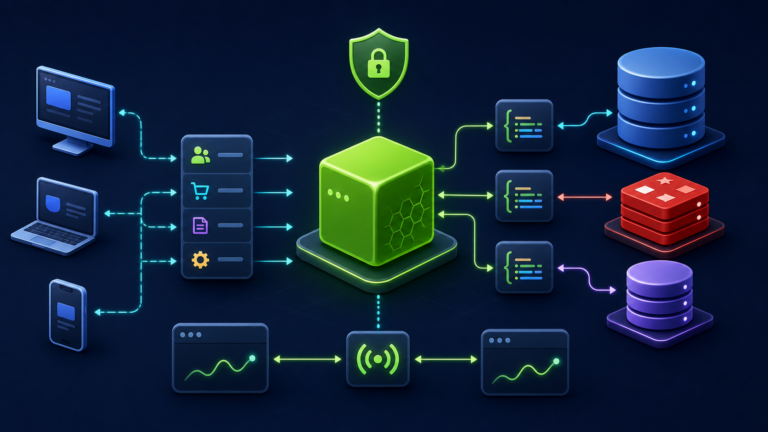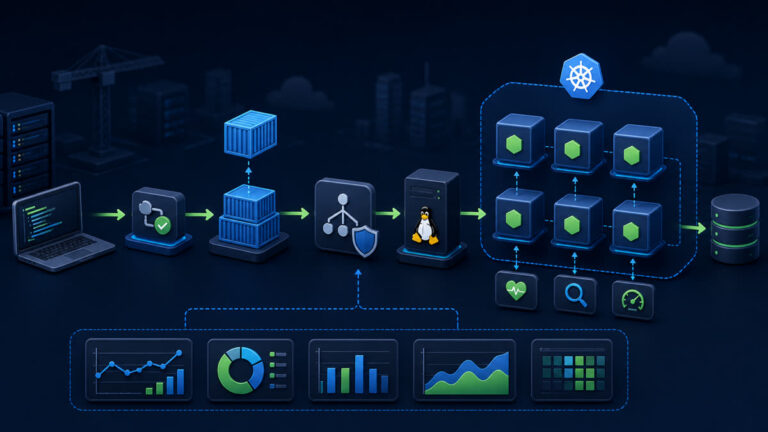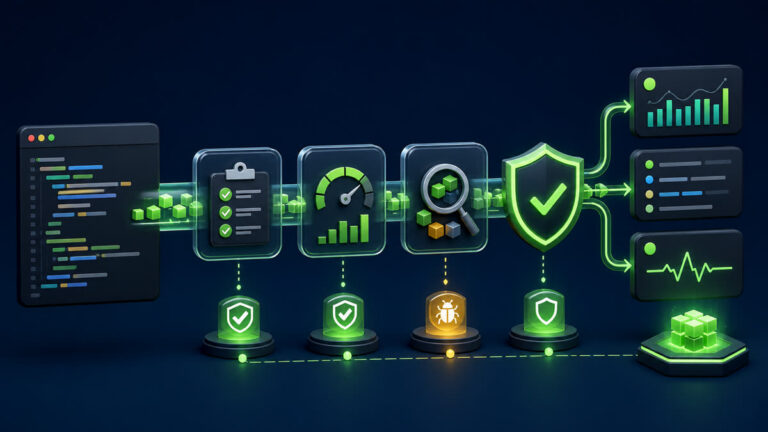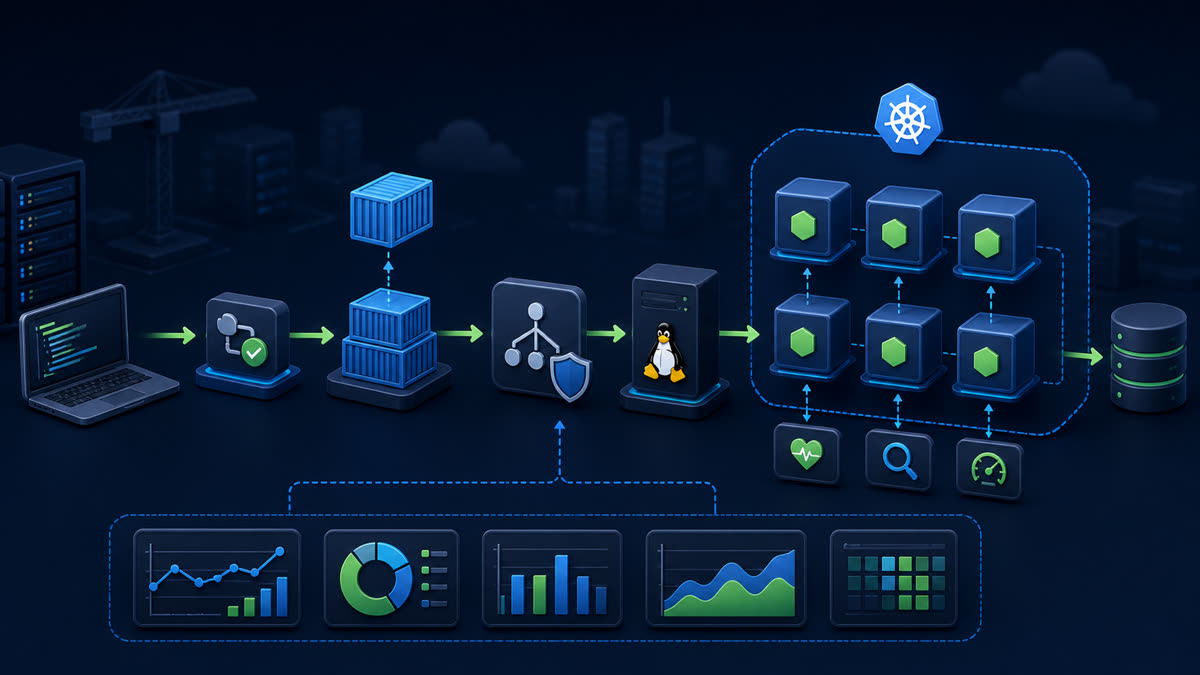
Run an application stack with Compose health checks, private service discovery, named persistence, runtime configuration, dependency readiness, and explicit backup and teardown procedures.
What you will build
This tutorial produces a working, verifiable result rather than a command list. Read each command before running it, keep configuration in version control without secrets, and record the versions used for repeatable deployment.
1. Prepare the project
mkdir node-compose && cd node-compose
printf 'POSTGRES_PASSWORD=replace-men' > .env
chmod 600 .env
docker compose config
Run preparation commands as an unprivileged application user unless a command explicitly requires sudo. A clean working tree and lockfile make rollback much easier.
2. Implement the solution
services:
  app:
    build: .
    restart: unless-stopped
    environment:
      DATABASE_URL: postgresql://app:${POSTGRES_PASSWORD}@db:5432/app
      REDIS_URL: redis://cache:6379
    ports: ["127.0.0.1:3000:3000"]
    depends_on:
      db: {condition: service_healthy}
      cache: {condition: service_healthy}
  db:
    image: postgres:18-alpine
    environment: {POSTGRES_DB: app, POSTGRES_USER: app, POSTGRES_PASSWORD: "${POSTGRES_PASSWORD}"}
    volumes: ["db-data:/var/lib/postgresql/data"]
    healthcheck: {test: ["CMD-SHELL", "pg_isready -U app -d app"], interval: 10s, timeout: 5s, retries: 5}
  cache:
    image: redis:8-alpine
    healthcheck: {test: ["CMD", "redis-cli", "ping"], interval: 10s, timeout: 3s, retries: 5}
volumes: {db-data: {}}
Save the example in the filename indicated by its comment or surrounding instructions. Treat it as a minimal baseline: production applications should separate transport, business logic, persistence, and configuration into testable modules.
3. Verify end to end
docker compose up -d --build
docker compose ps
docker compose logs --tail=100 app db cache
curl -fsS http://127.0.0.1:3000/readyz
docker compose exec -T db pg_dump -U app -d app > backup.sql
docker compose down
Verification should cover both process state and a real request or data operation. A process that is merely running is not necessarily ready to serve traffic.
4. Troubleshooting and production notes
depends_on with health conditions helps startup but the app must still retry transient dependencies. Do not publish database or Redis ports unless required. docker compose down keeps named volumes; adding –volumes deletes persistent data and requires an intentional, verified backup.
Production checklist
- The supported Node.js LTS version and dependency lockfile are recorded.
- Configuration is validated at startup and secrets are stored outside source control.
- Input limits, authentication, authorization, timeouts, and error boundaries are explicit.
- Logs identify a request without exposing credentials or personal data.
- Health checks, graceful termination, resource limits, backup, and rollback have been tested.
Reference: official topic documentation. For production version selection, use a supported LTS line from the Node.js release schedule.