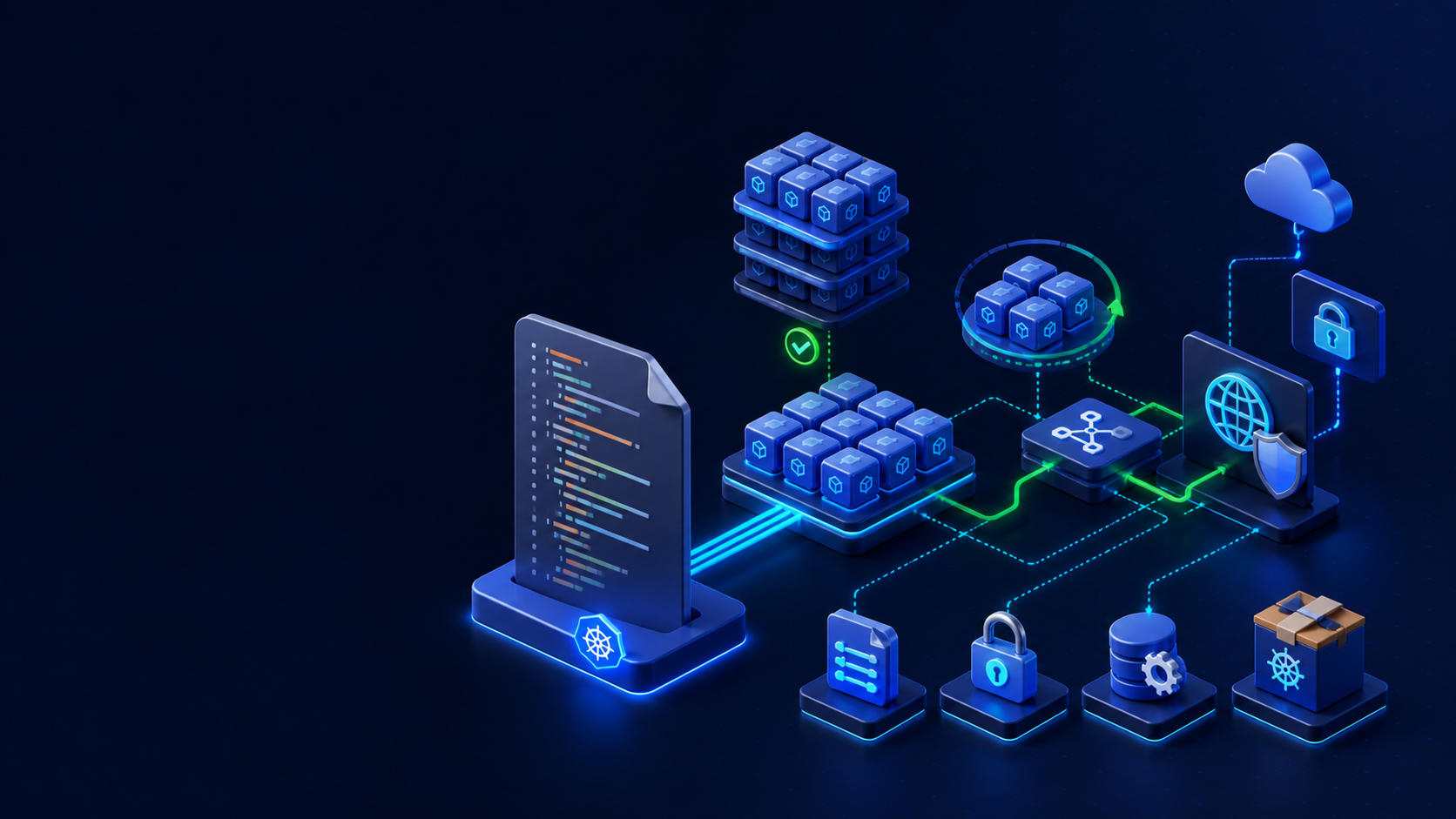
Helm renders parameterized Kubernetes manifests and tracks releases. This guide installs the client, creates a small chart, renders it locally, installs atomically, upgrades values, inspects history, and rolls back.
1. Prepare and execute
Confirm the active kubeconfig context and namespace before applying changes. Save commands and manifests in version control without credentials.
curl -fsSL https://raw.githubusercontent.com/helm/helm/main/scripts/get-helm-3 | bash
helm version
helm create webchart
rm -rf webchart/templates/tests
helm lint webchart
helm template web ./webchart --namespace helm-demo > rendered.yaml
2. Declarative configuration
Save the following example in a clearly named YAML file, review it, then use server-side dry-run when the API is available.
# values-production.yaml
replicaCount: 2
image:
  repository: nginx
  tag: 1.28-alpine
service:
  type: ClusterIP
  port: 80
resources:
  requests: {cpu: 50m, memory: 32Mi}
  limits: {cpu: 250m, memory: 128Mi}
3. Verify the result
A successful command is not enough. Inspect resource state, conditions, events, endpoints, logs, and an end-to-end request where applicable.
kubectl create namespace helm-demo
helm upgrade --install web ./webchart -n helm-demo
  -f values-production.yaml --atomic --timeout 3m
helm list -n helm-demo
helm status web -n helm-demo
helm history web -n helm-demo
kubectl -n helm-demo get all
4. Troubleshooting
Use helm template and lint before touching the cluster. An atomic install removes a failed new release; an atomic upgrade rolls back. Never hide secrets in values files committed to Git.
5. Rollback and cleanup
Review the exact target before deleting resources, especially namespaces, claims, Secrets, and cluster-wide add-ons.
helm rollback web 1 -n helm-demo --wait
helm uninstall web -n helm-demo
kubectl delete namespace helm-demo
Production checklist
- The active context, namespace, and target version were verified.
- Manifests passed client or server-side validation.
- Resource conditions and recent events show no unresolved error.
- Access, network exposure, resource limits, persistence, and rollback were reviewed.
- Commands and expected output were recorded for the operating team.
References: topic documentation and Kubernetes documentation.