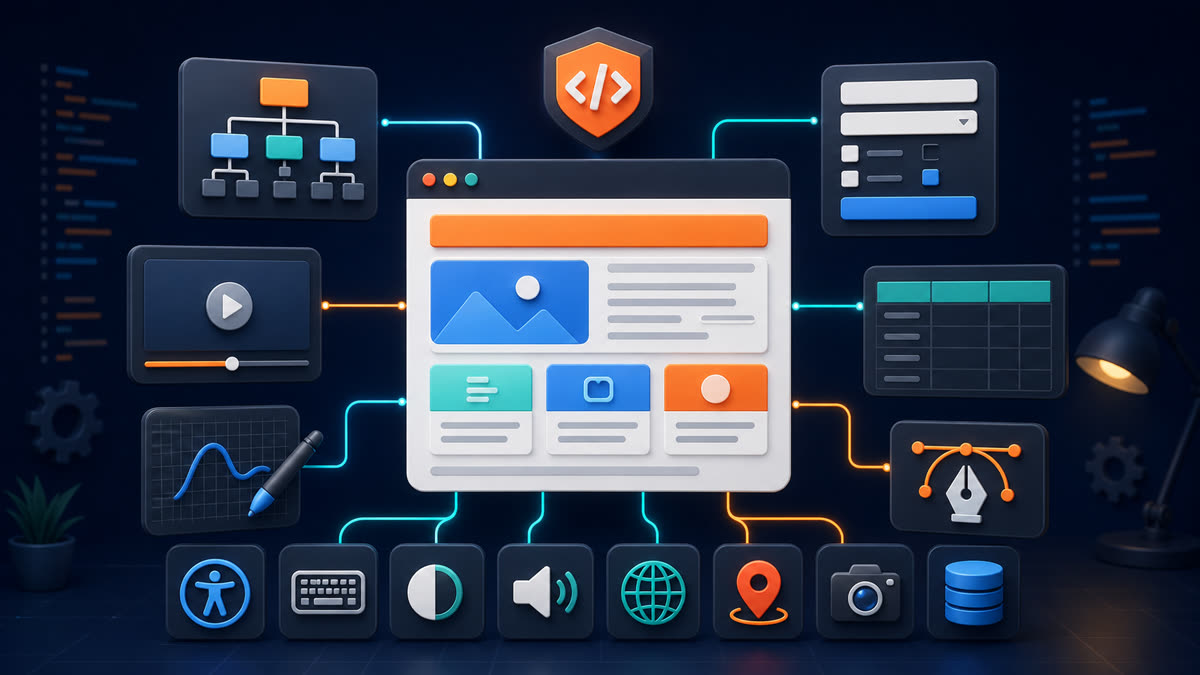
This original tutorial explains 30-Day HTML Study Plan with Daily Practice through a small standards-based example you can save, validate, and test in a browser.
1. Create the example
Create index.html in an empty directory. Use UTF-8, a standards-mode doctype where applicable, lowercase element names, quoted attributes, and consistent indentation.
Example
<!doctype html><html lang="en"><head><meta charset="utf-8"><meta name="viewport" content="width=device-width, initial-scale=1"><title>Practical HTML Example</title></head><body><header><h1>Practical HTML Example</h1></header><main><article><h2>Overview</h2><p>Clear structure gives content meaning.</p></article></main><footer><small>© 2026 Example</small></footer></body></html>2. Run it locally
mkdir html-lab && cd html-lab
$EDITOR index.html
python3 -m http.server 8080
# Open http://127.0.0.1:8080/
Using a local HTTP server catches path, module, CORS, storage, and API behavior that can differ when a document is opened directly from disk.
3. Understand the important decisions
- Choose elements for meaning before styling them.
- Preserve a logical heading hierarchy and keyboard-operable controls.
- Give images and graphics useful alternatives; caption time-based media.
- Treat URLs, embedded content, browser storage, and user input as security boundaries.
4. Validate and test
npx html-validate index.html
npx prettier --check index.html
curl -I http://127.0.0.1:8080/
Also test at narrow and wide viewport sizes, zoom to 200%, navigate using only the keyboard, inspect the accessibility tree, and confirm the page remains understandable when CSS or JavaScript fails.
Common mistakes
Avoid using headings only for size, div elements for interactive controls, duplicate IDs, missing labels, empty links, invalid nesting, untrusted inline HTML, autoplaying media, and fixed dimensions that overflow small screens.
Production checklist
- The document has one descriptive title and a declared language.
- Markup passes validation without relying on obsolete elements.
- Links, forms, media, and scripts work from the deployed path.
- Keyboard focus, labels, contrast, alternatives, and error messages are tested.
- External resources use HTTPS and appropriate integrity, sandbox, referrer, or rel controls.
Further study: W3Schools topic, MDN HTML documentation, and the HTML Living Standard.