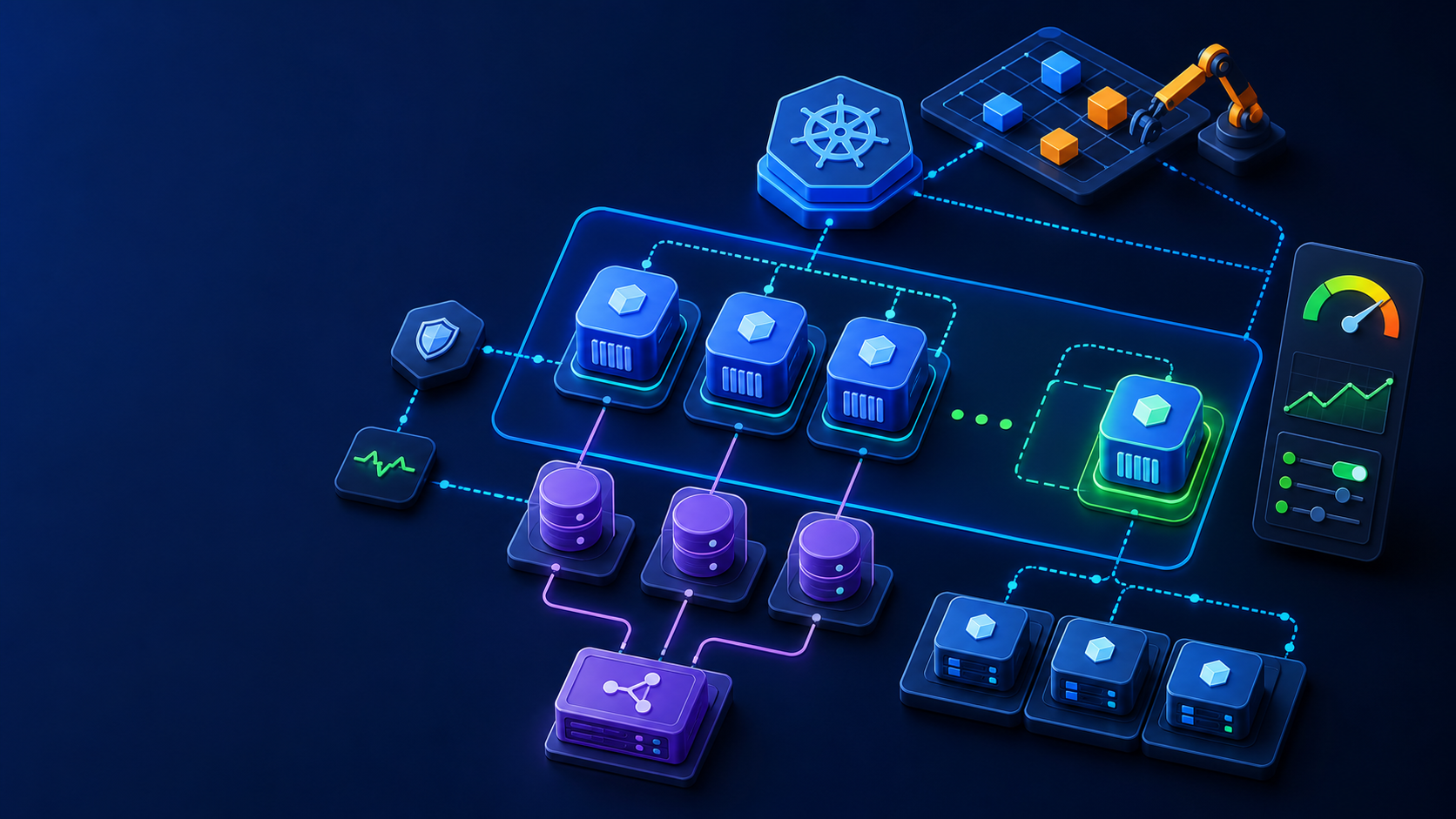
Scheduling controls decide where a Pod may or should run. This lab labels a node, demonstrates required node affinity, protects a dedicated node with a NoSchedule taint, and adds a matching toleration.
1. Prepare and execute
Confirm the active kubeconfig context and namespace before applying changes. Save commands and manifests in version control without credentials.
kubectl get nodes --show-labels
kubectl label node worker-1 workload=compute
kubectl taint node worker-1 dedicated=compute:NoSchedule
2. Declarative configuration
Save the following example in a clearly named YAML file, review it, then use server-side dry-run when the API is available.
apiVersion: v1
kind: Pod
metadata: {name: scheduled-demo}
spec:
  affinity:
    nodeAffinity:
      requiredDuringSchedulingIgnoredDuringExecution:
        nodeSelectorTerms:
          - matchExpressions:
              - {key: workload, operator: In, values: [compute]}
  tolerations:
    - {key: dedicated, operator: Equal, value: compute, effect: NoSchedule}
  containers: [{name: pause, image: registry.k8s.io/pause:3.10}]
3. Verify the result
A successful command is not enough. Inspect resource state, conditions, events, endpoints, logs, and an end-to-end request where applicable.
kubectl apply -f scheduling.yaml
kubectl get pod scheduled-demo -o wide
kubectl describe pod scheduled-demo
kubectl get events --field-selector involvedObject.name=scheduled-demo
4. Troubleshooting
Pending Pods expose scheduler reasons in events. Required affinity can make a workload unschedulable; preferred affinity is a scoring preference. A toleration permits scheduling but does not force a Pod onto the tainted node.
5. Rollback and cleanup
Review the exact target before deleting resources, especially namespaces, claims, Secrets, and cluster-wide add-ons.
kubectl delete -f scheduling.yaml
kubectl taint node worker-1 dedicated=compute:NoSchedule-
kubectl label node worker-1 workload-
Production checklist
- The active context, namespace, and target version were verified.
- Manifests passed client or server-side validation.
- Resource conditions and recent events show no unresolved error.
- Access, network exposure, resource limits, persistence, and rollback were reviewed.
- Commands and expected output were recorded for the operating team.
References: topic documentation and Kubernetes documentation.