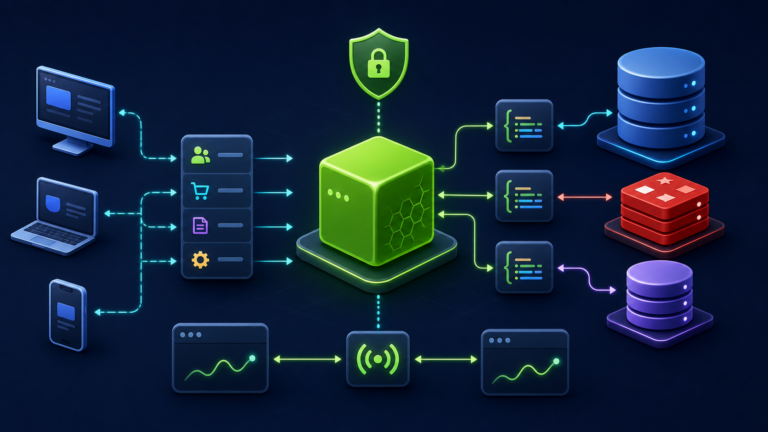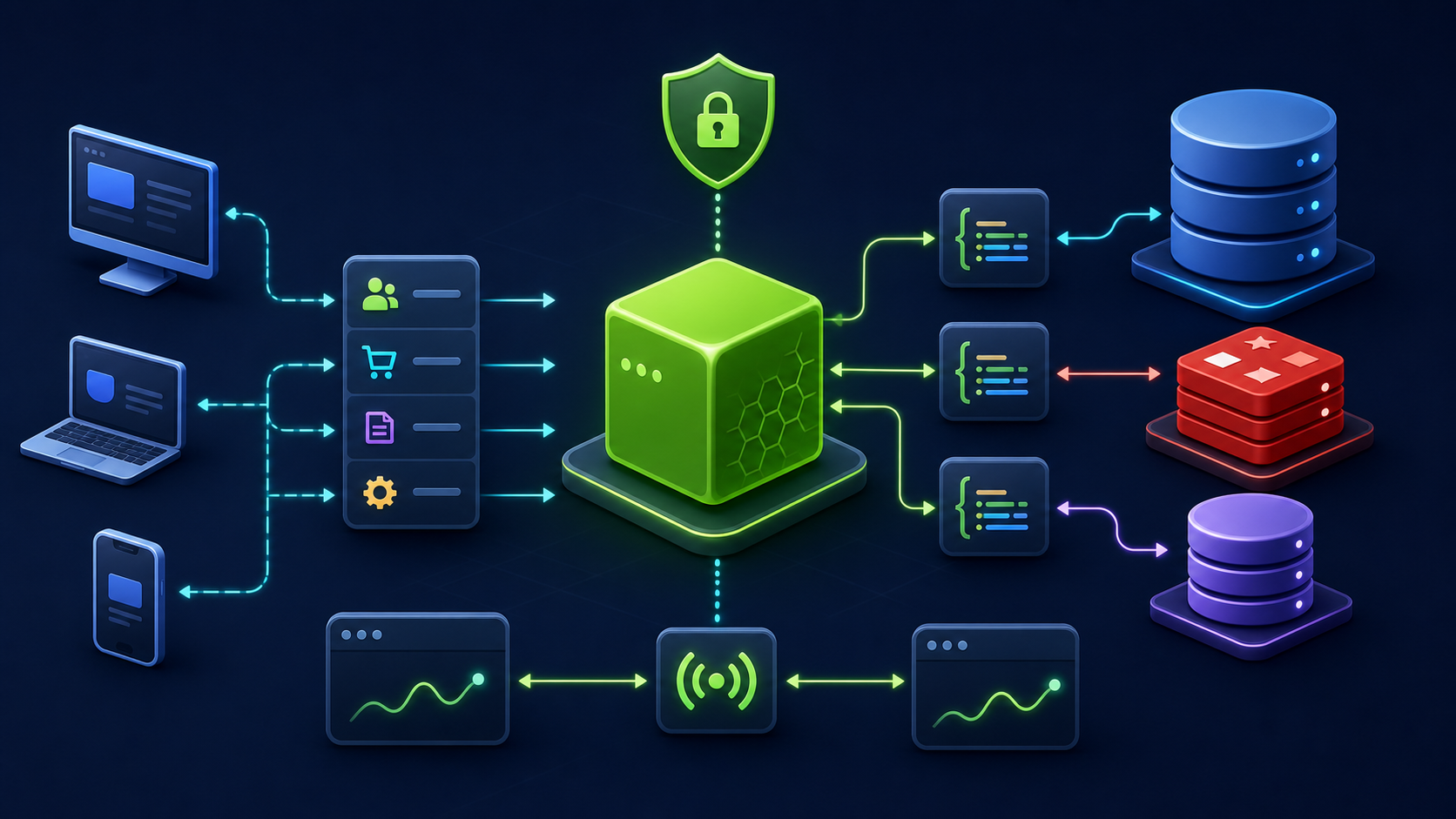
Add cache-aside reads to a Node.js service with explicit JSON serialization, namespaced keys, finite TTLs, invalidation, reconnect handling, and measurable cache hits.
What you will build
This tutorial produces a working, verifiable result rather than a command list. Read each command before running it, keep configuration in version control without secrets, and record the versions used for repeatable deployment.
1. Prepare the project
sudo apt install -y redis-server
sudo systemctl enable --now redis-server
redis-cli ping
npm install redis
export REDIS_URL='redis://127.0.0.1:6379'
Run preparation commands as an unprivileged application user unless a command explicitly requires sudo. A clean working tree and lockfile make rollback much easier.
2. Implement the solution
import { createClient } from 'redis';
const redis=createClient({url:process.env.REDIS_URL});
redis.on('error',error=>console.error({component:'redis',error})); await redis.connect();
export async function cachedUser(id,load){
 const key=`users:v1:${id}`; const hit=await redis.get(key);
 if(hit!==null) return {source:'cache',data:JSON.parse(hit)};
 const data=await load(id); if(data) await redis.set(key,JSON.stringify(data),{EX:300});
 return {source:'database',data};
}
export const invalidateUser=id=>redis.del(`users:v1:${id}`);
Save the example in the filename indicated by its comment or surrounding instructions. Treat it as a minimal baseline: production applications should separate transport, business logic, persistence, and configuration into testable modules.
3. Verify end to end
redis-cli SET demo value EX 60
redis-cli TTL demo
redis-cli GET demo
redis-cli INFO stats | grep keyspace
Verification should cover both process state and a real request or data operation. A process that is merely running is not necessarily ready to serve traffic.
4. Troubleshooting and production notes
Redis is an optimization, not the source of truth. Define behavior when it is unavailable, prevent cache stampedes for expensive keys, invalidate after successful database writes, and never cache secrets or authorization decisions without a carefully bounded key.
Production checklist
- The supported Node.js LTS version and dependency lockfile are recorded.
- Configuration is validated at startup and secrets are stored outside source control.
- Input limits, authentication, authorization, timeouts, and error boundaries are explicit.
- Logs identify a request without exposing credentials or personal data.
- Health checks, graceful termination, resource limits, backup, and rollback have been tested.
Reference: official topic documentation. For production version selection, use a supported LTS line from the Node.js release schedule.